
Leaderboard
-
Gado
Members3Points10Posts -
chestikoph1
Regular Member1Points296Posts


Popular Content
Showing content with the highest reputation on 03/09/18 in all areas
-
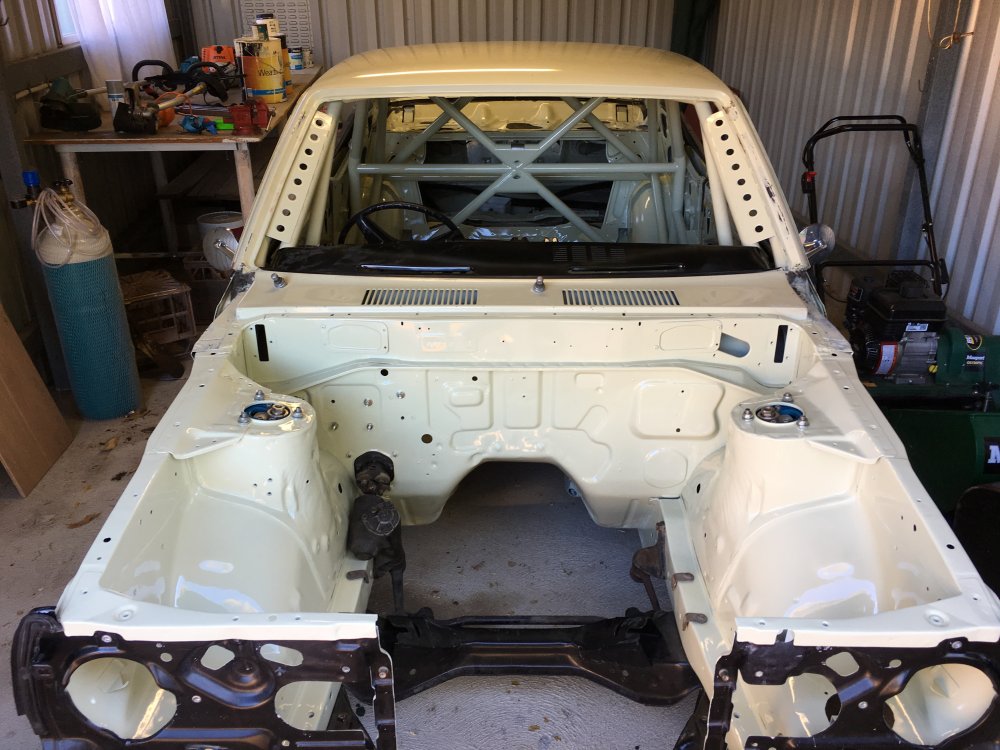
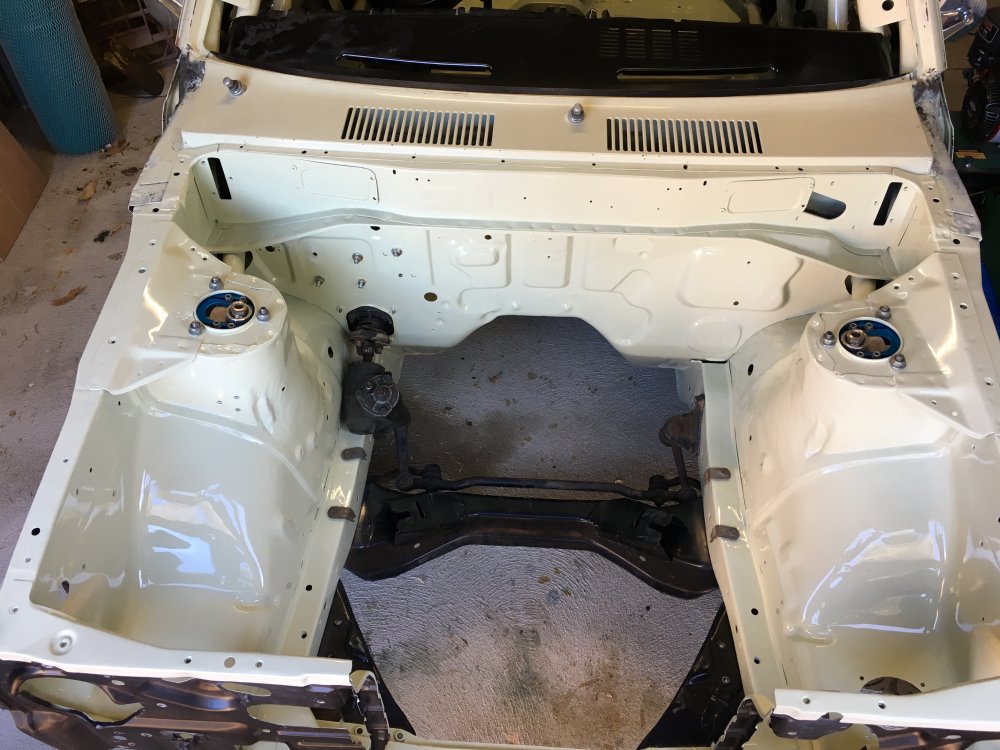
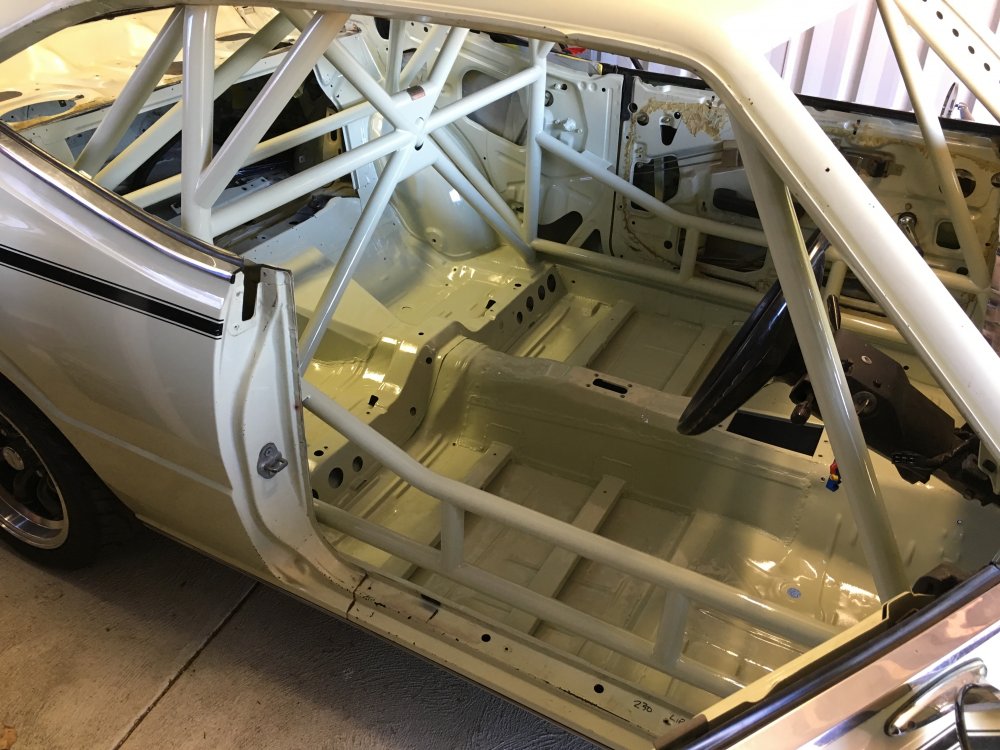
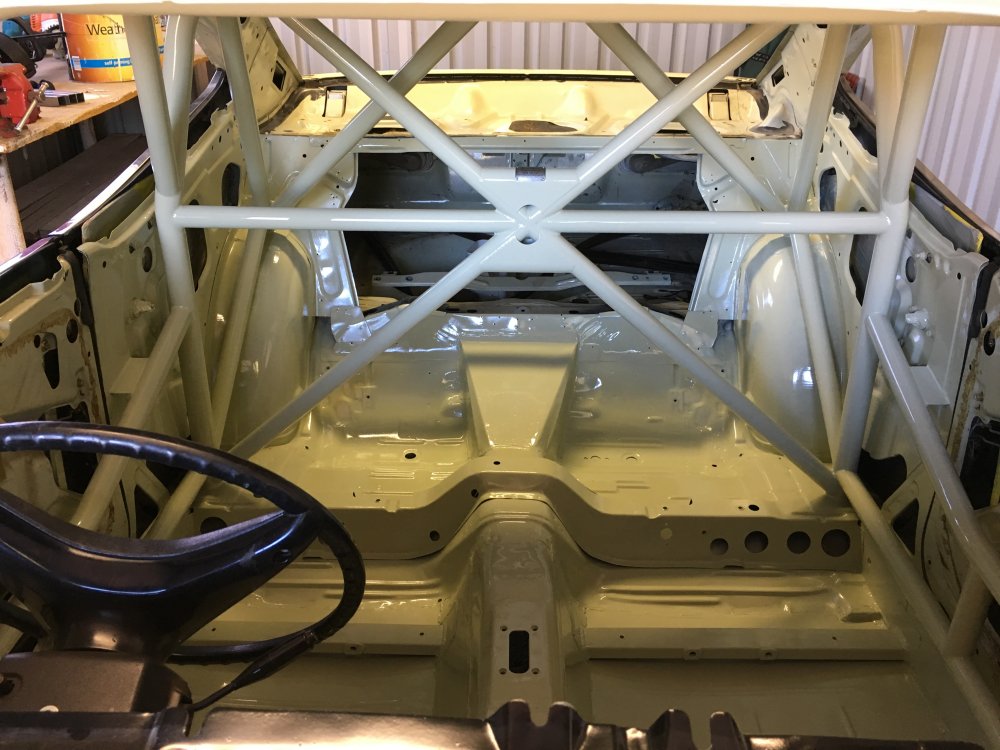
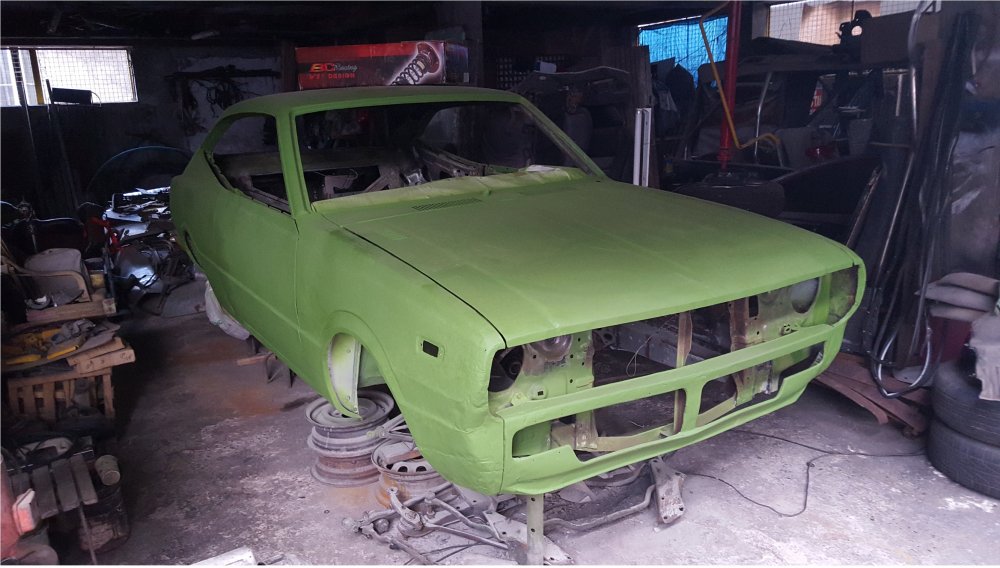
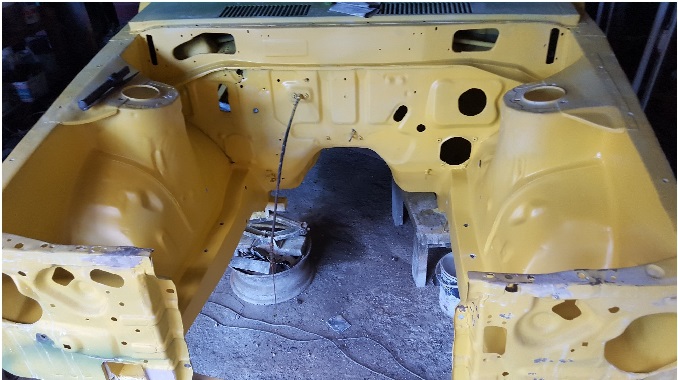
1 pointSitting in the shed at the new house, it took me half an hour just to in mask from the paint. The exterior paint looks like crap against the bay and interior now, but it's ready to put together, I will start on the wiring first and running fuel and brake lines.
 1 point
 -
1 pointI did most of the metal work and did, I do not have a paint booth and i'm not very good with painting so i decided to take it to a shop to get painted. So far its not looking too bad.
 1 point
 -
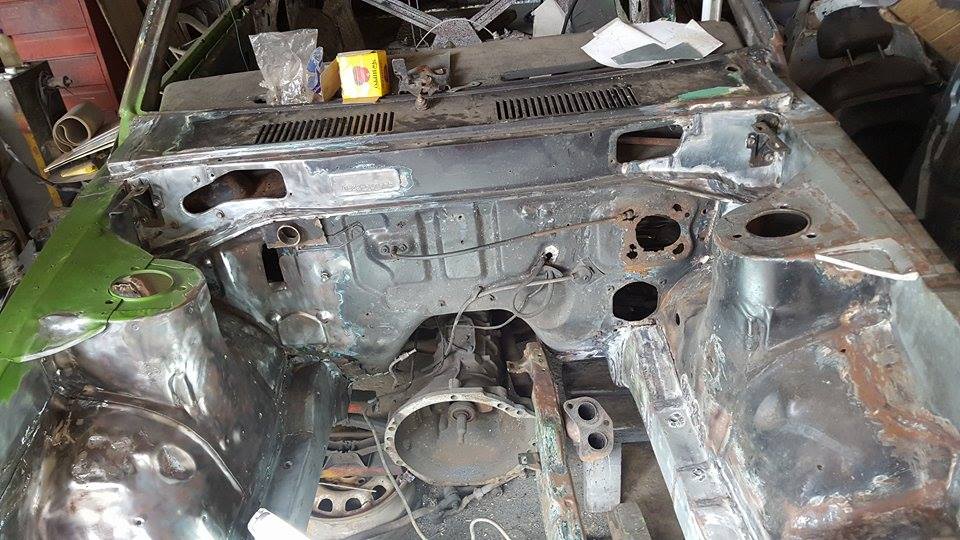
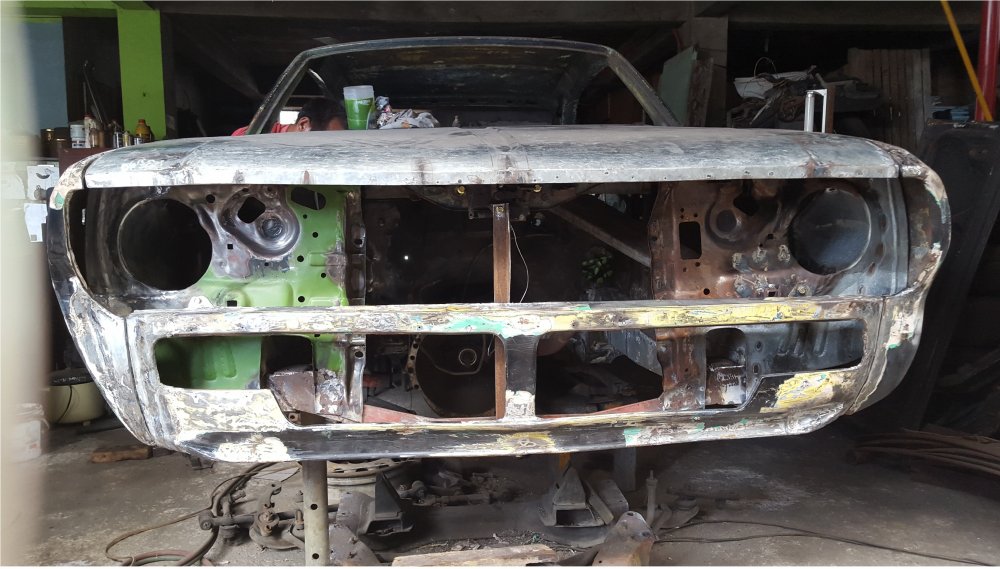
1 pointFinally more of the car started to take shape again. Lots of hammering and heating and forming and welding! But it finally started to look like a car again rather than swisschess.

 1 point
 -
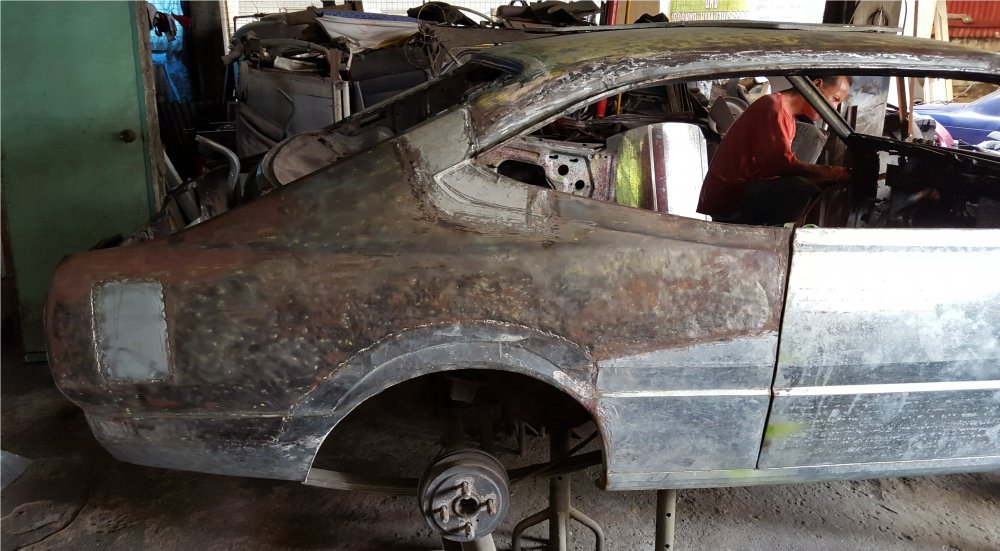
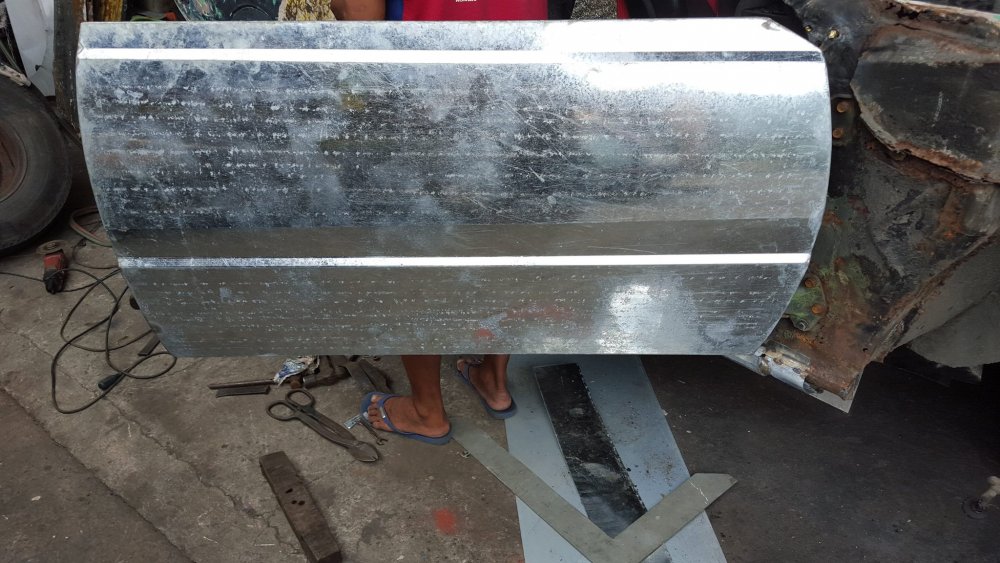
1 pointAfter months and months and months I now had a descent understanding of what i was doing i guess haha. The doors and hood were completely reskinned. I decided to go with a shaved door kit for two reasons, 1 it looks cool, 2 i had less body work i would have to do! (the 2nd reason was the main reason!)
 1 point


