
Leaderboard
-
chestikoph1
Regular Member1Points296Posts

Popular Content
Showing content with the highest reputation on 10/27/18 in all areas
-
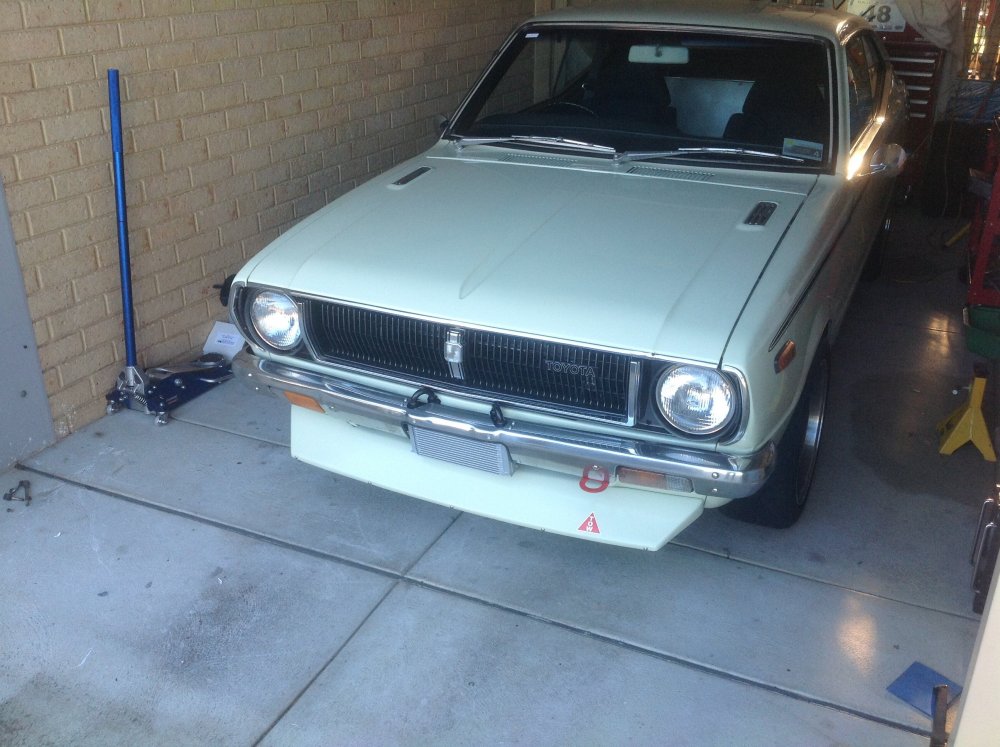
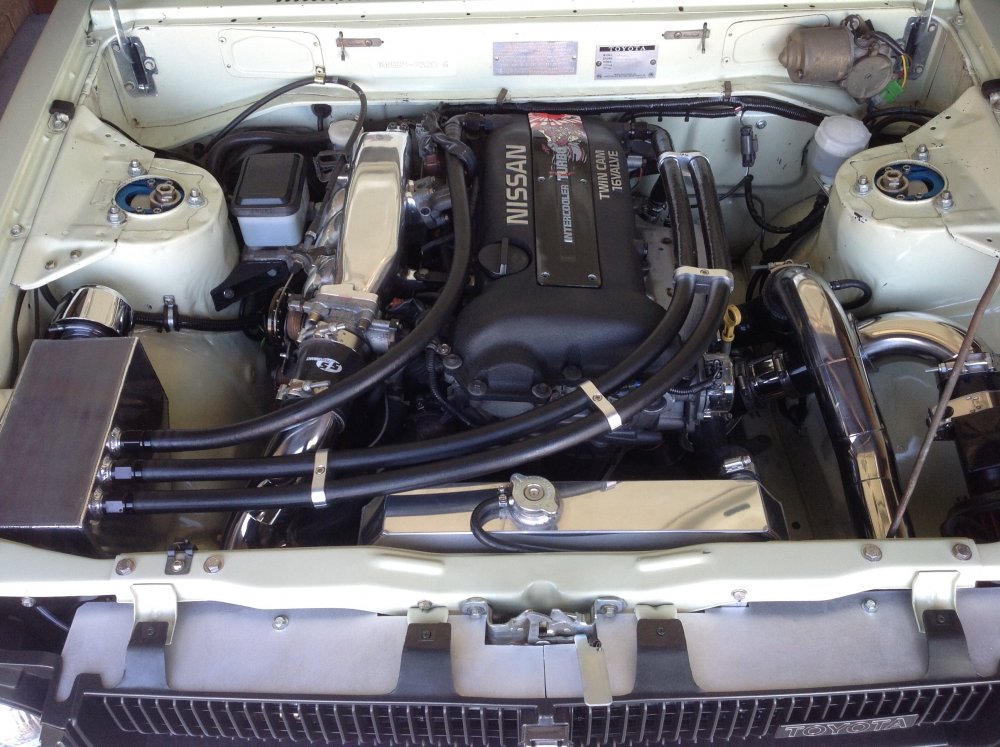
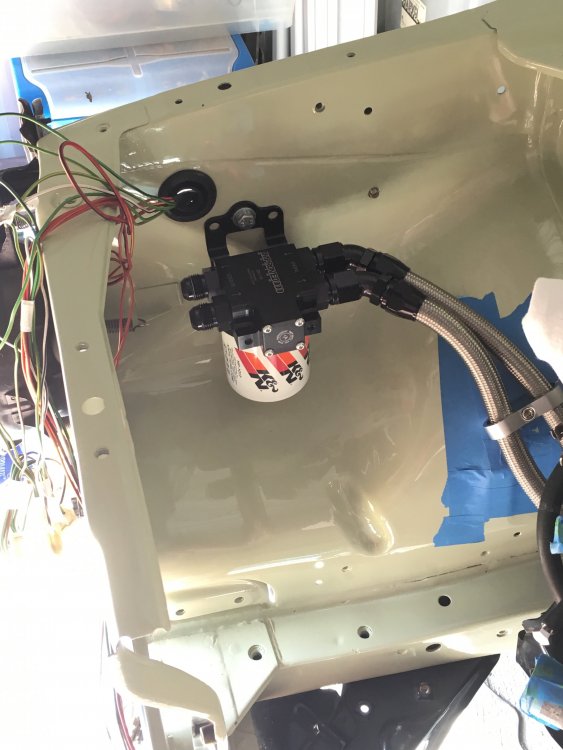
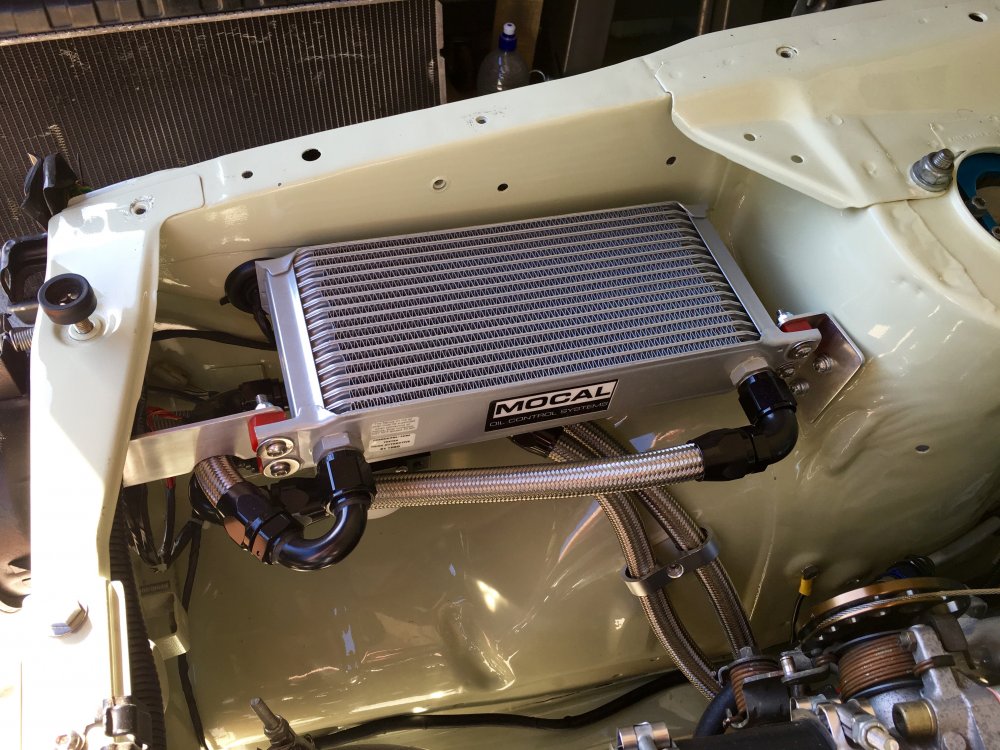
1 pointThanks Matt. Some of you may recall before I pulled this apart I had just fitted a thermostat and oil cooler to help with oil temps on the track. I bought a thermostat from Improved Production and a Mocal 16 row oil cooler and mounted the cooler to the front bumper, there wasn't many other options where to mount it. Now this had a great effect and oil temps dropped significantly and it even helped with coolant temp as well. But the bad thing was if I ever needed to take the front bar off or beaver panel the oil cooler had to get disconnected. Not the most practical or the easiest of tasks, pretty messy as well. So I for this rebuild I had to think of an alternate location for the cooler that was unobtrusive yet still functional and had good air flow. I settled on where I had the oil catch can, this area is out of the way and gets great air flow if you remove the headlight. So I reworked the oil lines and changed the thermostat to a thermostat and oil filter relocator unit in one.
 1 point


