
Leaderboard
-
altezzaclub
Regular Member1Points6846Posts

Popular Content
Showing content with the highest reputation on 02/15/19 in all areas
-
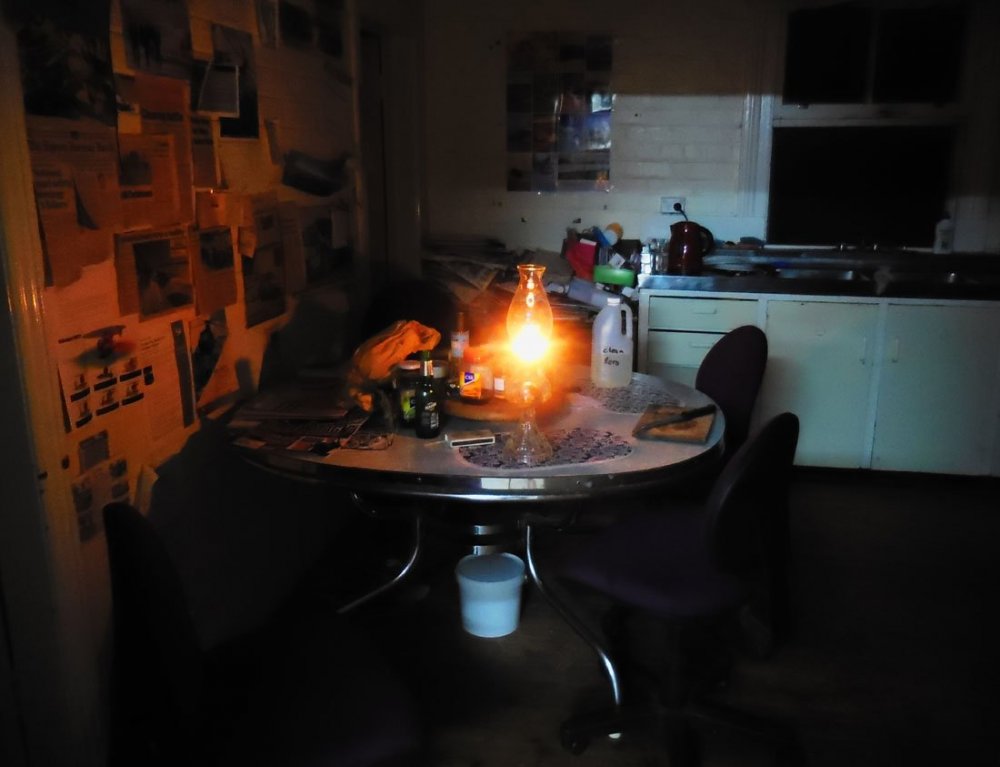
1 pointThe big job was fitting a plastic roof to make a glasshouse for growing seedlings- and it even has a wind-up wall! The electricity went off one evening and all the next day, and that's when I discovered there were no lamps or candles at Auburn Vale. What sort of 1920s farmhouse is this?? I dug out a lamp and made sure it worked for next time! I'd moved one of Steve's farm cats down to Auburn Vale and she'd had kittens down there. Now I have them living under the deck outside my room- but that's preferable to what lives IN the room with me! ..and if you're ever taking bets of centipedes versus redbacks, I can give you a clue.. Anyway- back up tomorrow for another hit! Maybe get those struts done AND the gearbox mounts if the MiG is back. No doubt there will be lots to do setting up the inside of the glasshouse too-




 1 point


