
Leaderboard
-
parrot
 Global Moderator1Points3074Posts

Popular Content
Showing content with the highest reputation on 10/20/19 in all areas
-
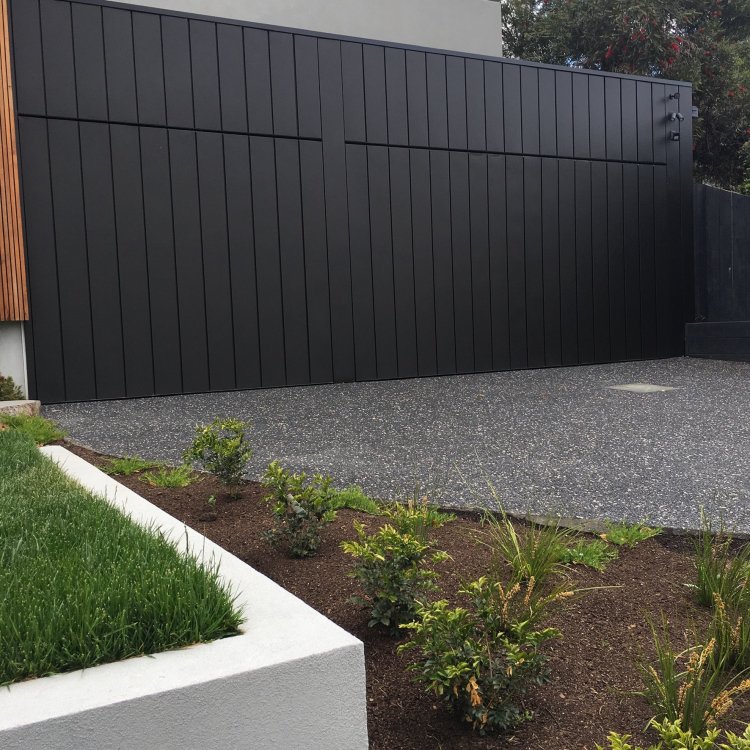
1 pointExciting news news in the Parrot household as I finally have a shed that does justice to the collection! A three car garage! I will now have all three cars in a position where they can actually be worked on, instead of crammed down the side of the current garage where they are essentially inaccessible. Meanwhile the AE86 won’t be permanently covered in sawdust from son’s bat repairs. In a few months after settlement you can expect a photo with the doors up and cars inside! Wife says, you will have to throw some of your old parts out. Err no says I. I’ll be putting in racking for those. Oh, there is a house attached but that’s the boring bit.
 1 point
