
Leaderboard
-
parrot
 Global Moderator2Points3074Posts

Popular Content
Showing content with the highest reputation on 03/03/20 in all areas
-
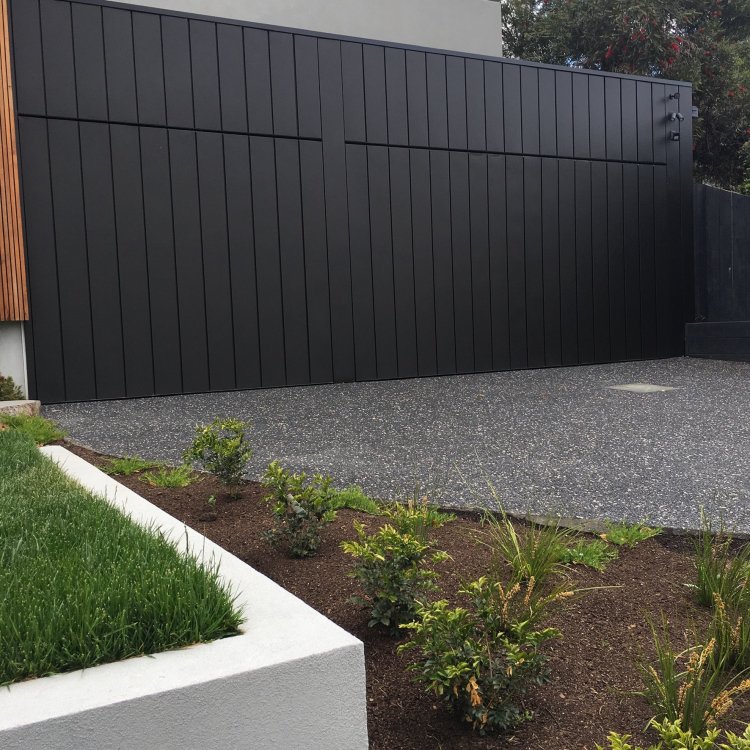
1 pointExciting news news in the Parrot household as I finally have a shed that does justice to the collection! A three car garage! I will now have all three cars in a position where they can actually be worked on, instead of crammed down the side of the current garage where they are essentially inaccessible. Meanwhile the AE86 won’t be permanently covered in sawdust from son’s bat repairs. In a few months after settlement you can expect a photo with the doors up and cars inside! Wife says, you will have to throw some of your old parts out. Err no says I. I’ll be putting in racking for those. Oh, there is a house attached but that’s the boring bit.
 1 point
 -
1 pointSo we are in the new place as of yesterday, and the AE86 is the first to make it across today. Got an unregistered single use permit and drove across via the “most direct route”. Of course initially the car didn’t want to start, but some new 98 octane sorted that out. Then on a tentative initial excursion there was a bit of a rattle from the front right. Turned out the top nut on the damper insert was slightly loose. Then the drive across. Hella fun to drive after all this time! The other two will now need to come on a truck and then I can get things underway at last
 1 point

