
Leaderboard
-
altezzaclub
Regular Member1Points6842Posts

Popular Content
Showing content with the highest reputation on 04/23/21 in all areas
-
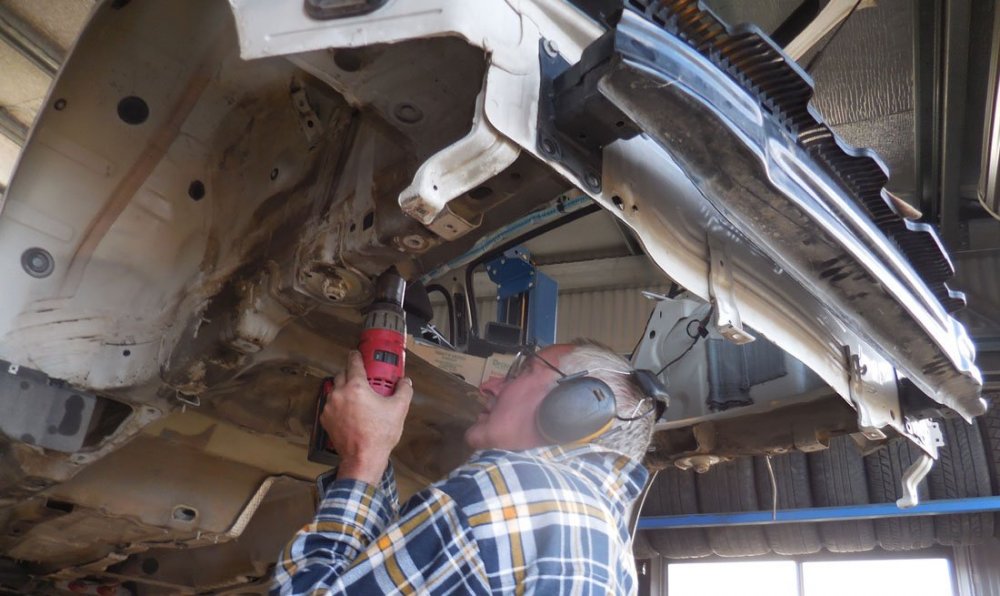
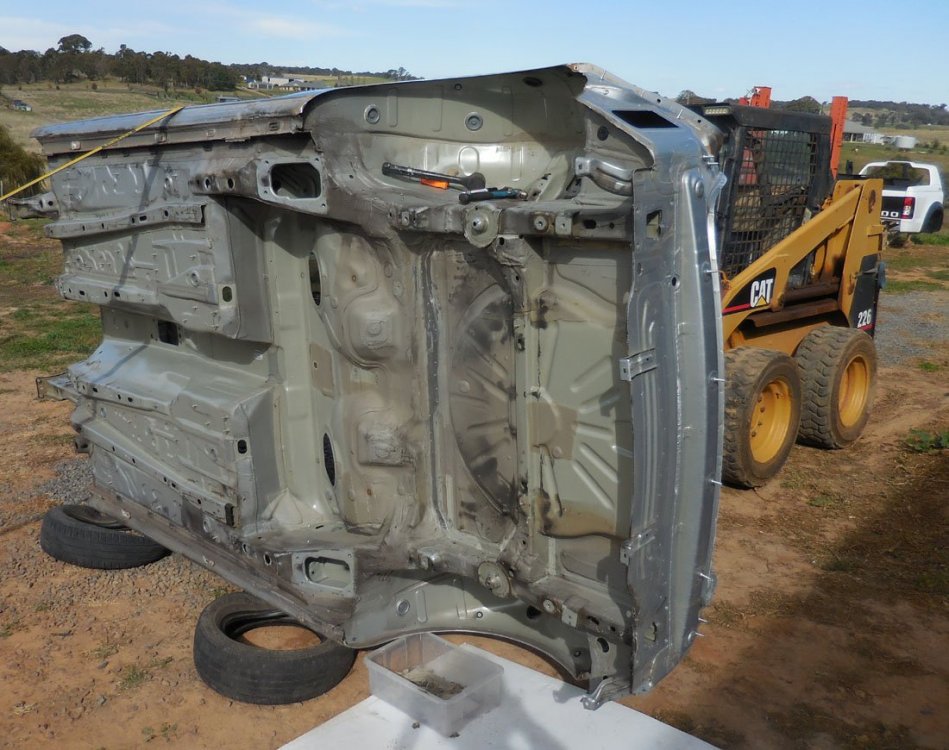
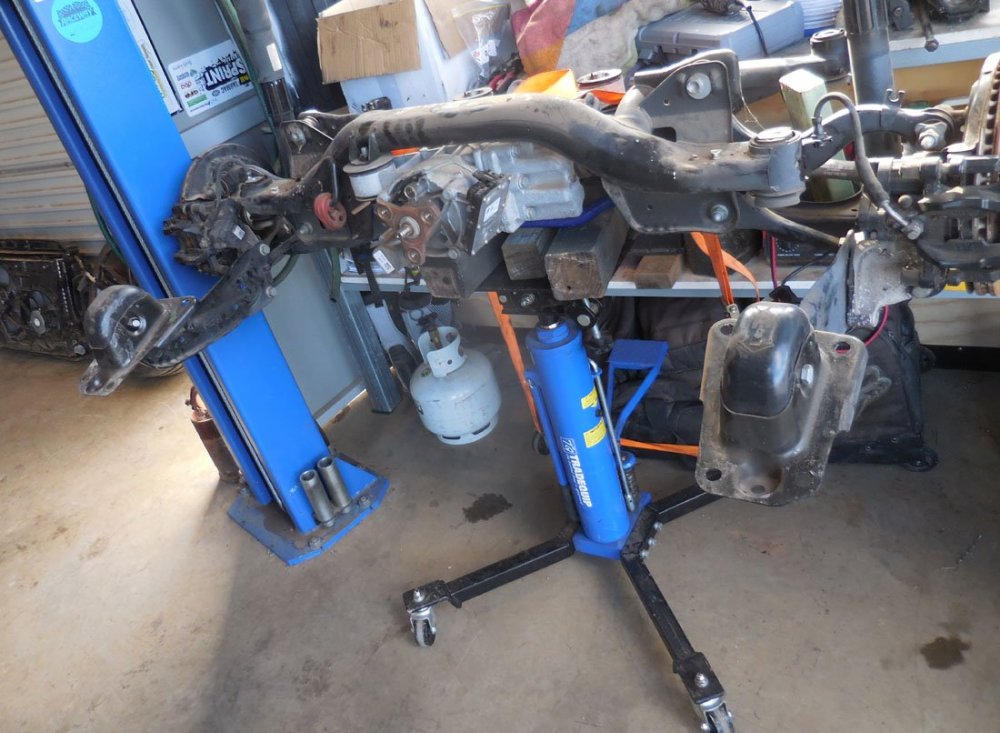
1 pointOK, well the Megane was finished and handed back to its happy owner, and we started on the Mini.... Then stuff happened and Josh thought his Mum's Golf 7 1.4L needed an upgrade from his bro's un-used Golf R... So the 1.4 lost its spare wheel well last week- The R had the same cut out, leaving a perfectly saleable shell if anyone wants to build a Golf R racing car- The much shallower R spare well is needed to fit this lump of complicated machinery.. ..along with motor, gearbox, wiring looms, dash, suspension & brakes, basically everything until Mum is driving a turbo 2L 4WD around to get the groceries! Going from 90KW to 220KW means next Friday should be interesting in the IGA carpark.. Then back to the Mini and getting the Evo3 ready for the Orange rally in May, we're still waiting for the close-ratio gearbox there. Hopefully the CAKE gets some work after that.
 1 point


