
Leaderboard
-
chestikoph1
Regular Member1Points296Posts

Popular Content
Showing content with the highest reputation on 05/03/21 in all areas
-
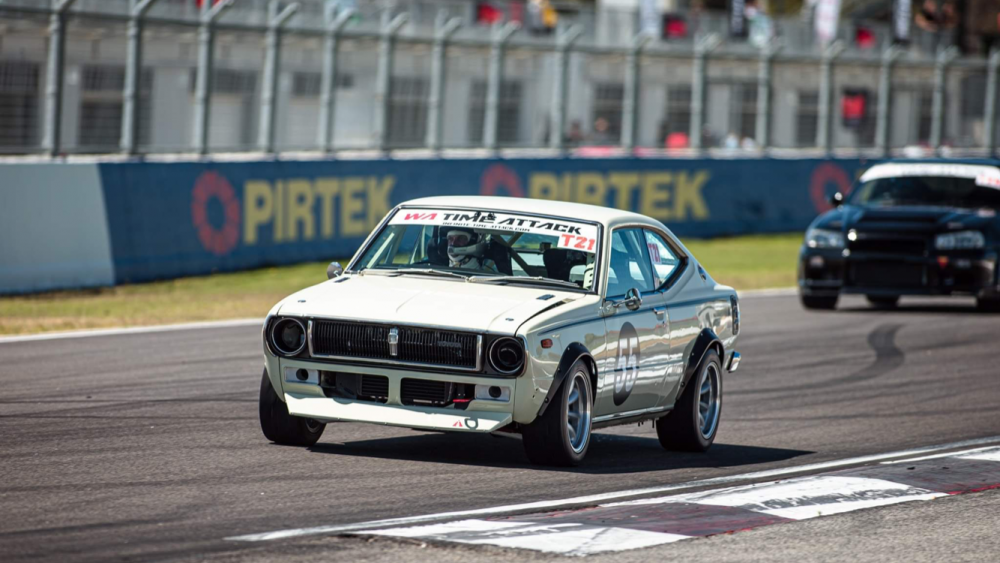
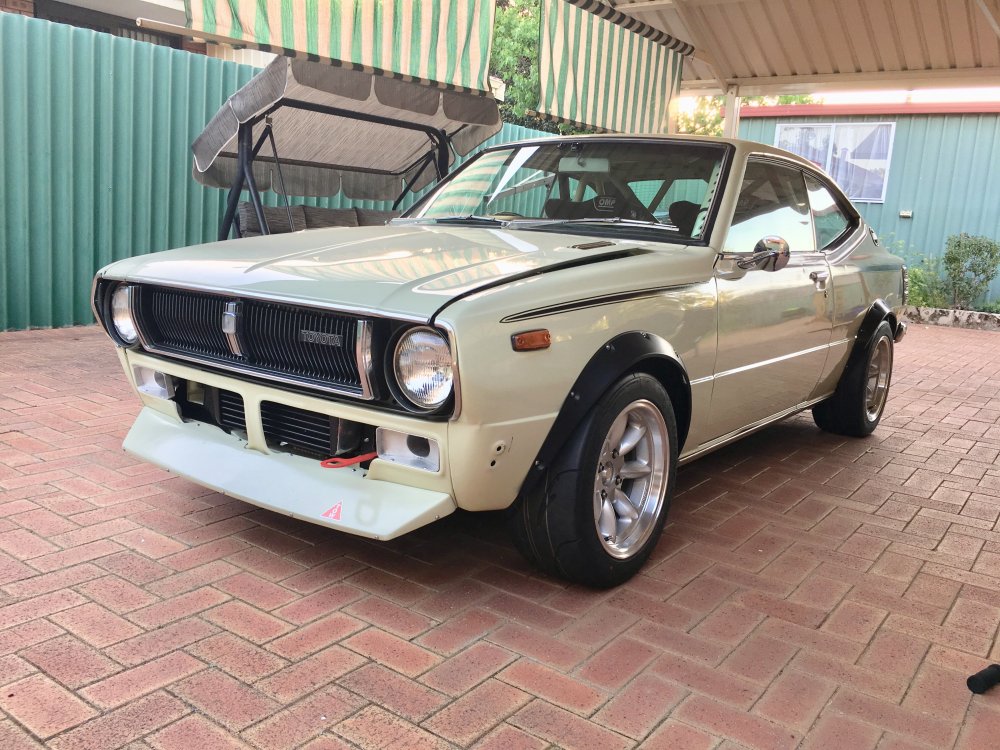
1 pointThought I might drag this thread out from the archives!! Cars still in one piece and running well. I was doing a few track days throughout 2020 in between lock downs and restrictions mainly sprints and Time Attack at Barbagallo. Couple of upgrades and changes since the last post include wider 15 x 8 wheels, 225 tyres and some bolt on flares to fit them under. Bought tears to my eyes taking the grinder to the rear arches, they were absolutely rust free! Oh well she’s long past ever returning to a standard shell. Also dropped in some cams for a bit more top end. Now into the mid 66 sec around our local track, weight reduction is my next project. Will have to get back into more regular posting, some recent pics.
 1 point

