
Leaderboard
-
wenisman
Regular Member2Points130Posts

Popular Content
Showing content with the highest reputation on 05/04/24 in all areas
-
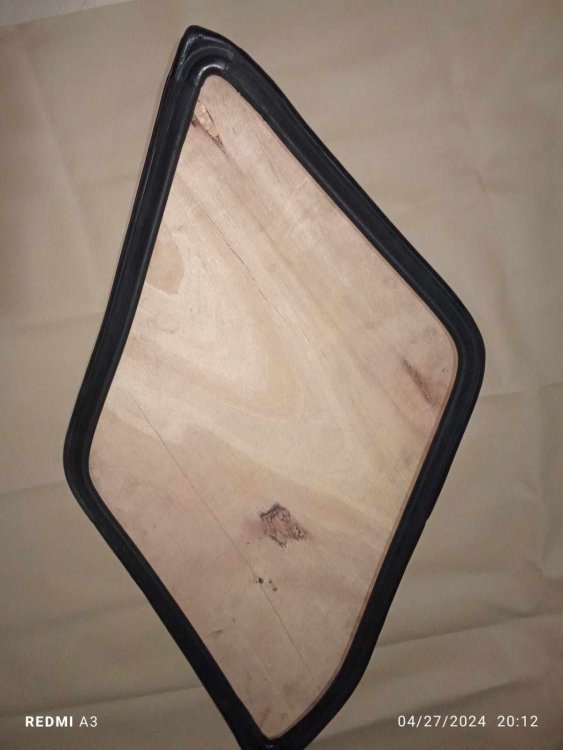
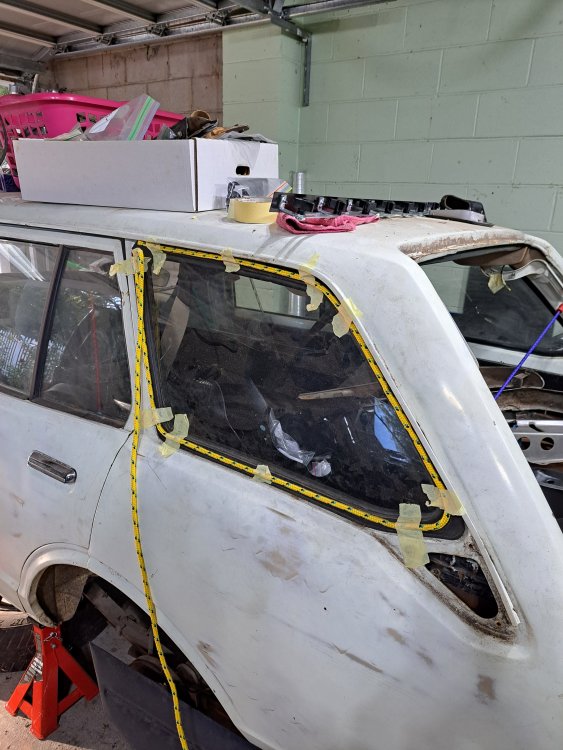
1 pointSo this week was a mixed bag of results. I decided to just remake the while bottom of the frame for the tailgate, but I didn't have a piece of steel long enough and I didn't want to put in a weld to get two pieces in when I can do it with one. So I'm holding off on the bottom until I get the steel. However I finally found someone willing to remake the rear quarter window seals. So using some rope in the locking channel, using that as a guide I took some basic measurements, lengths of each side, each angle and I even made a plywood template of the window. But then I sent all those off and I eagerly awaited the results. The photos sent through looked good So I now to remove the window and do a test fit when it arrives. If this works I'll order the same for the other side. Hope this works (insert gulp)
 1 point
 -
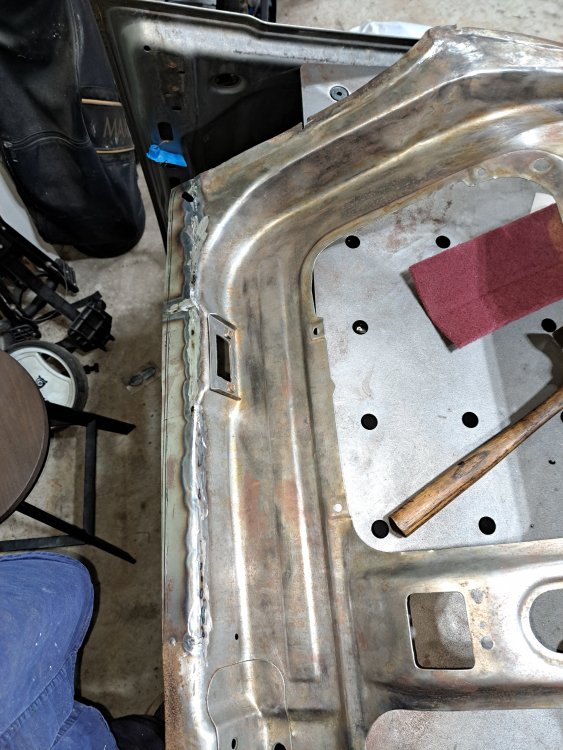
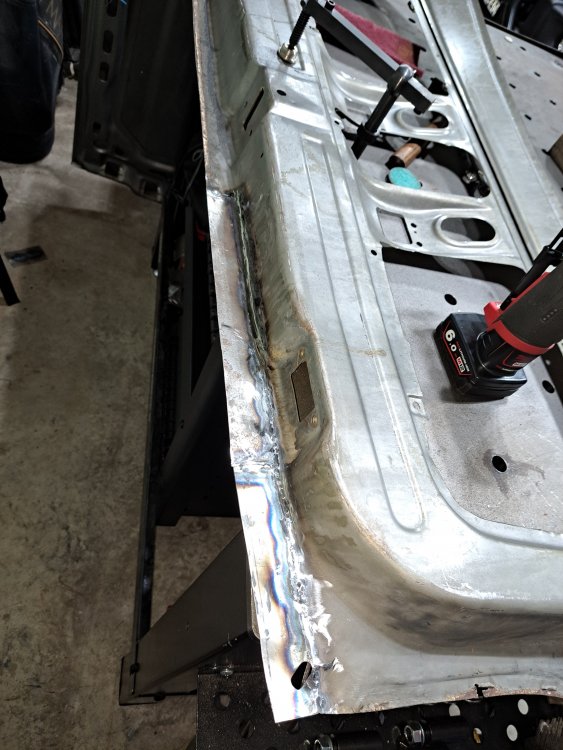
1 pointThe finished product turned out ok, it was a bit funky welding at different angles as the replacement panel bent over curves. So my welding went a little astay in some sections. But a little grinding to get everything flush and I will need to go over the whole thing and get the file finish I'm looking for. But the front turned out ok, The back I'm still working on but you can see a little warping in the bottom of the panel, but I'll be cutting this but off anyhow.
 1 point


