
Leaderboard
-
Banjo
Regular Member1Points2047Posts

Popular Content
Showing content with the highest reputation on 10/14/24 in all areas
-
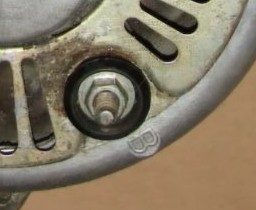
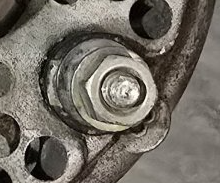
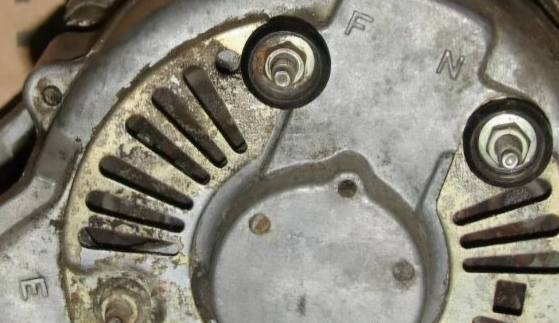
Hi Michalis, It's not too hard, as your olde 30A alternator (first picture) & the newer 40A alternator are both designed for an external voltage regulator. Both have the exact same connections, just in different places. So the top picture You depicted, is a 3 wire plug connection, with 3 wires, The second picture also has F, N, & Earth point, except it does accept the plug on your harness. You will have to cut the plug off the harness, & connect the three wires, to the corresponding three (3) points on your replacement alternator, marked F, N, & E. The last connection, is the +ve or "battery" wire, which will be the thickest of the cables, On your olde original alternator, there is a big "B" for battery, moulded into the alternator aluminium casing, right next to the terminal. On your replacement alternator, there is also a big "B"; moulded into the aluminium case. Hope that assists. Cheers Banjo

 1 point
