TA64
Members
-
Joined
-
Last visited
Everything posted by TA64
-
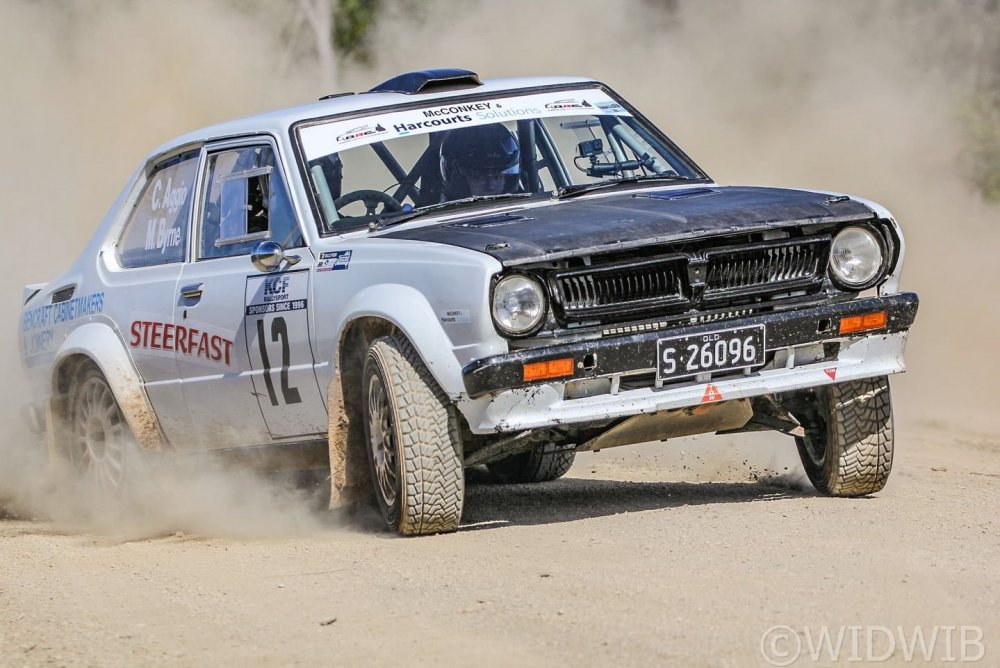
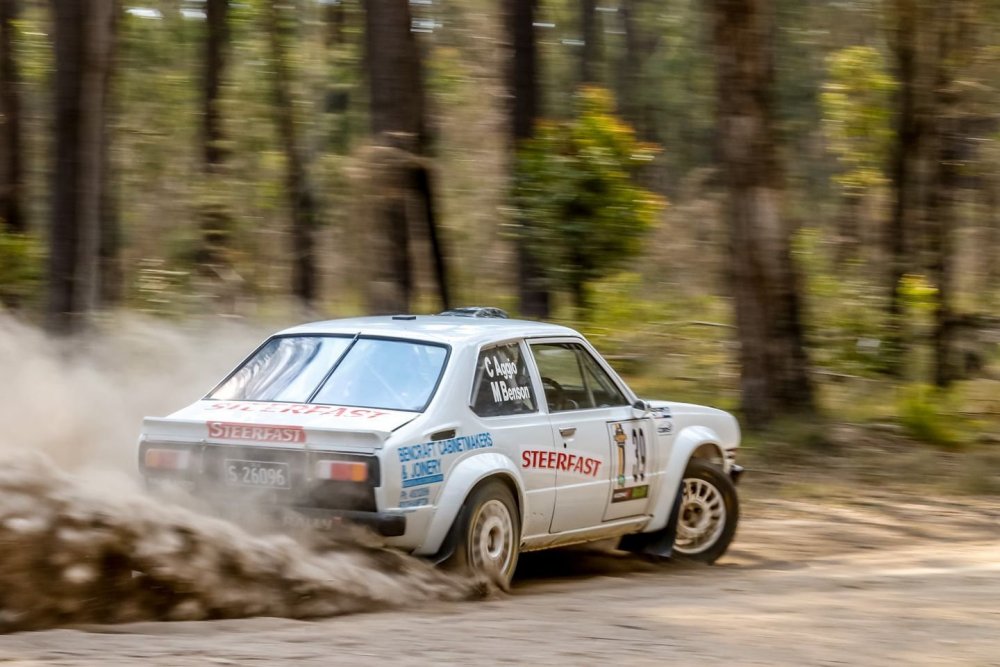
Little Corolla is still going strong with a lot of upgrades since it was built. Getting ready for the 2022 rally year.
-
Some more progress on the Group B Celica.


 Bit more roll cage on the Group B Celica this week, dash bar fitted and some progress with the suspension.


 MX73 Cressida strut with R33 Skyline caliper and AU Falcon rotor.Started putting together some brakes and suspension on the Celica.


 Bit more roll cage and some mods on the rad support panel this week.


 Trans tunnel done. Floor sealed and painted.


 Engine and gearbox mounts done.


 Got the engine a gearbox mocked up in postion.


 Welding up the hole in the B pillar, and body panels being fitted.


 Everything is Mig welded. Tig is pretty, but I really don't have the eyes anymore, or the flexablity .Rear fire wall going in and a bit more roll cage.


 Thanks Dave. The rod ends are metric "LS" brand. Ive used them for many years in rally cars, had some big hits and they have never failed.New panard rod mount and diff pumpkin clearance mod done.


 Some roll cage and stuff.


 More seat mounts and front x member mod.


 Seat mounts. Pedal mounts and diff mounts being made.


 Could there be a prize for a correct guess for what they are? 😁Roll cage starting to be fitted.


 Hi Dave, Yes its roll press that has different size dies for different size forming. Catching up this thread with the photos from waste book.


 Thanks Killar. Few update photos.
 Thanks Teddy, A few update photos.

 Few more progress photos.


 Thanks Rob. Its Craig here. You might remember this little guy I built a few years ago.