

ae112BOY
Members
-
Joined
-
Last visited
-
ears stretched to bout 12mm demal over right eyebrow neer temple had 2 serface bars across my eyebrow n side burn done bud had 2 take out form op will get re done tho and 2 serface bars in the shape of a diamond on my neck hav picks or most lol love body mods
-
i jus put a pod and plumb back b`o`v on fri n yes u need the b`o`v else the waist gate goes nuts lol on mine i cracked the manifild so got 1 made up that made a lil bit of a dif exaust n then computers are the way 2 go aparently n been told by a few workshops i don't wanna open my engine either
-
sweet as guys count me in then sounds sweet love the rollas n lookin like a huge turn out n yeah 4sure bout the keep it chill don't want no defects flying aroud
-
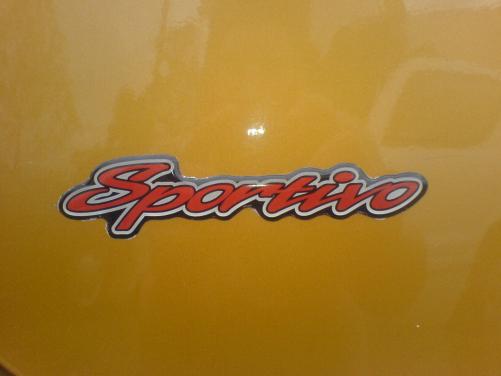
hay ya 1st timer dnt know how to use this site yet lol is it only 4 the older rollas or any1 wellcome 2 come 4 a spin i got an ae112 sportivo levin wanna hit it up ps are all cars wellcome or jus rollas
