
Leaderboard
-
parrot
 Global Moderator2Points3074Posts
 -
Mechanical Sympathy
Regular Member2Points555Posts


Popular Content
Showing content with the highest reputation on 12/09/17 in all areas
-
2 pointsSeason's greetings Rollaclub! Thanks to the admins and financial contributors who keep our projects, anecdotes, images and knowledge base online. Cafe racer burger run.
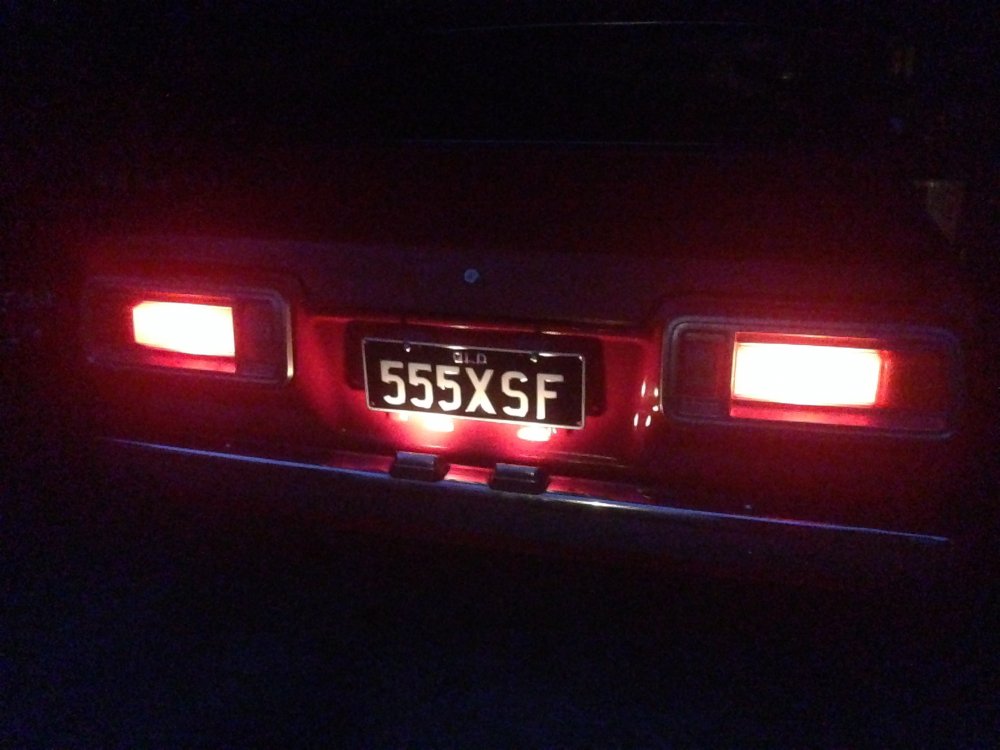
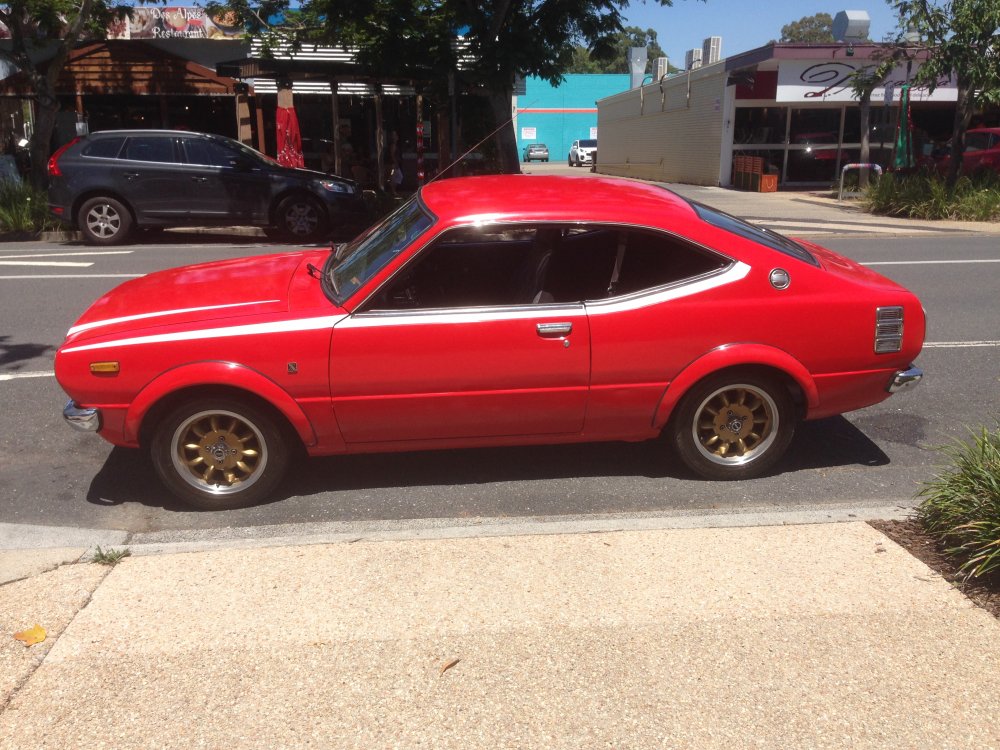
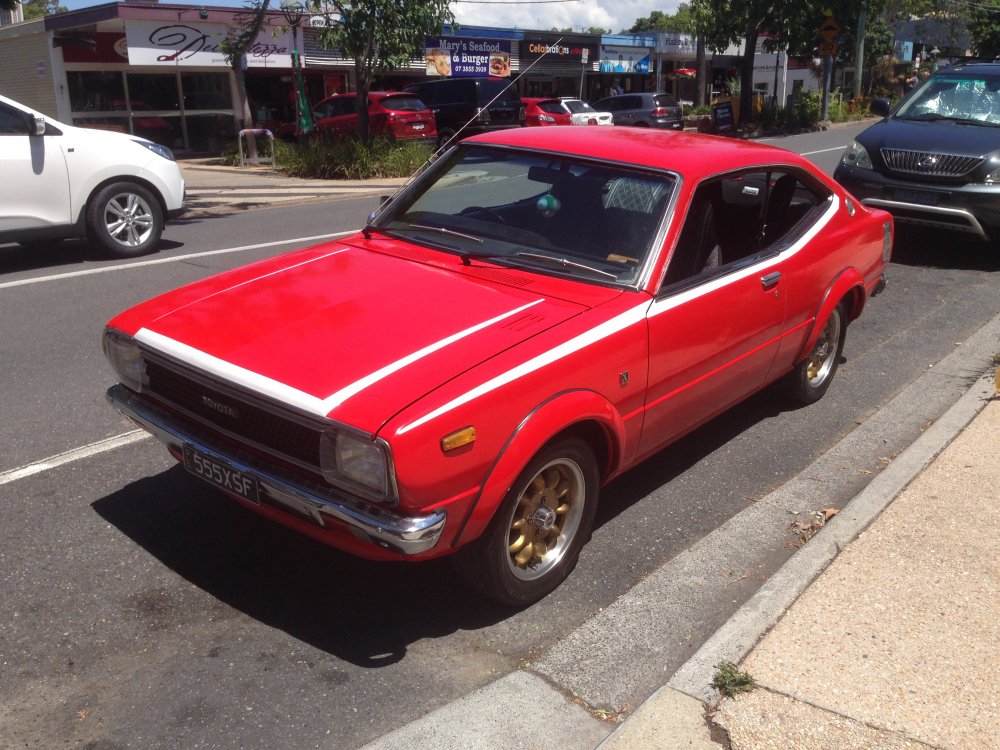 2 points
 -
1 pointYes, often it feeds into the manifold. But in your situation it doesn't matter, as you preferably feed it into a catch can anyway. The rocker space and the crankcase are in reality connected, so pressure within the engine's non combustion areas should effectively be equal anyway.1 point
-
1 pointOnce you see what ends up in the can, you’ll be pleased it isn’t going through the carbs. But make sure you empty it regularly1 point


