Skip to content
View in the app

A better way to browse. Learn more.

rollaclub.com

A full-screen app on your home screen with push notifications, badges and more.

To install this app on iOS and iPadOS
  1. Tap the Share icon in Safari
  2. Scroll the menu and tap Add to Home Screen.
  3. Tap Add in the top-right corner.
To install this app on Android
  1. Tap the 3-dot menu (⋮) in the top-right corner of the browser.
  2. Tap Add to Home screen or Install app.
  3. Confirm by tapping Install.

Leaderboard

Popular Content

Showing content with the highest reputation on 05/04/19 in all areas

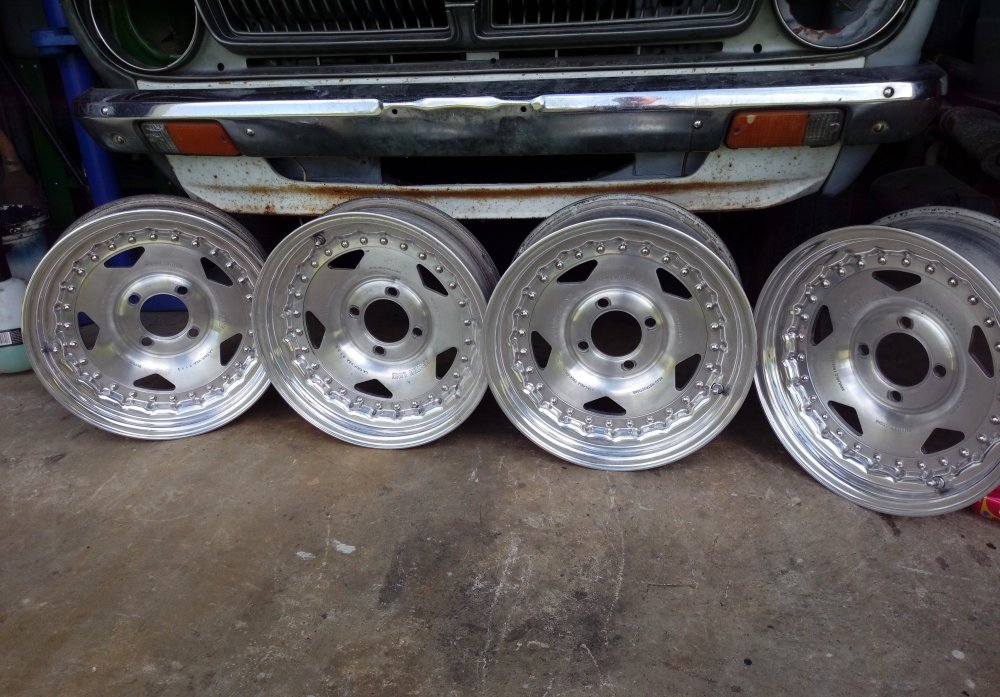
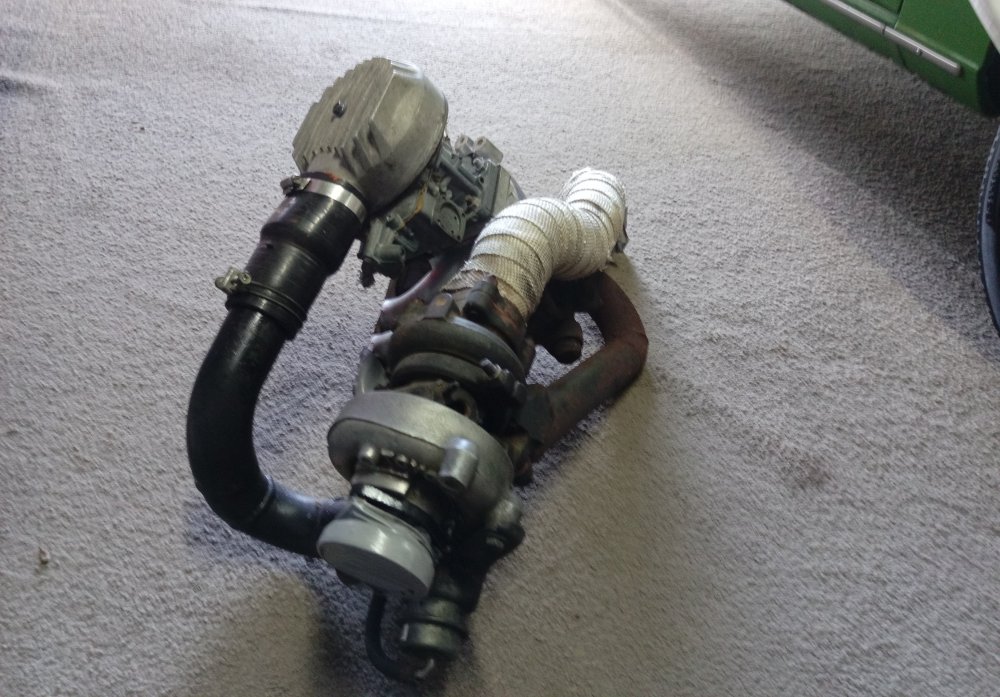
  1. While I was at it, I decided to fish out an intake and some wheels I've got sitting around, what you guys think?😂😂
  2. 1 point
    Yeah my way is the expensive route, but I'm looking at getting big performance out of it. I'm a religious believer of keeping springs captive, so if you're gonna go and get shorter springs you'll need a shorter shock absorber so the springs won't fall out if you hit a bump in the road or a small child riding a bicycle. Also note that you'll have to take it in for a wheel alignment for either approach.

Account

Navigation

Search

Search

Configure browser push notifications

Chrome (Android)
  1. Tap the lock icon next to the address bar.
  2. Tap Permissions → Notifications.
  3. Adjust your preference.
Chrome (Desktop)
  1. Click the padlock icon in the address bar.
  2. Select Site settings.
  3. Find Notifications and adjust your preference.