madtoywa
Members
-
Joined
-
Last visited
-
Lol... the only thing that takes up space between the tubbs is the fuel tank.
-
The CMEFRY corolla is in the final stages of getting its new blown motorsports WA built engine. 👍
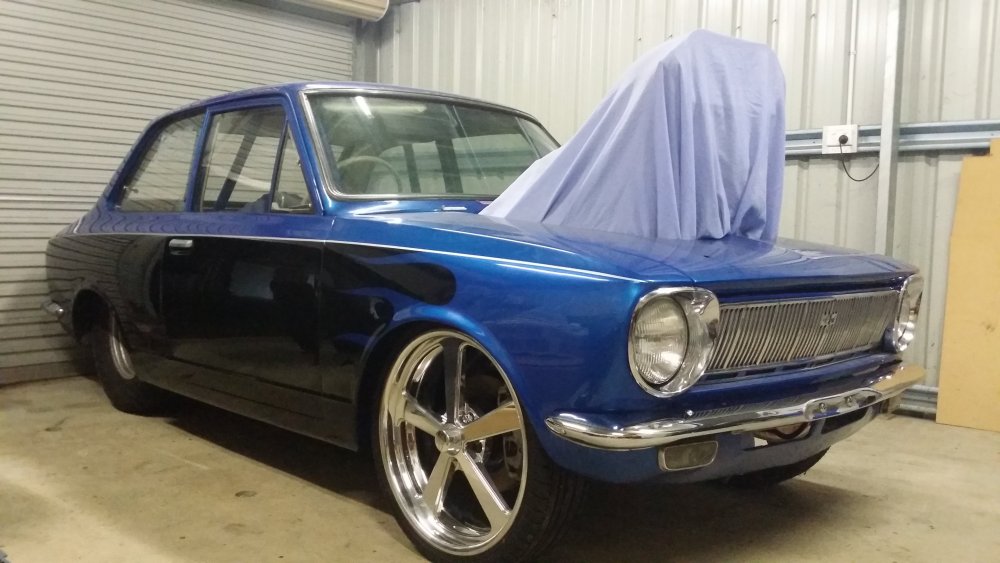 Love your style!!! Painting engine bay so can put the new motor in. :)Gave it a wash today..time to get few things painted. :P
 Plan to use and abuse it like it was built for.. :) Rather listen and feel the power of supercharged methonal V8 goodness! ThanksNope,family and work will do that to you. :)So I thought it was about time I jumped on here and shared my car...I bought it in mid 2012,put it straight into storage and its been sitting covered in dust since..needed a bit of work and kind of got side tracked.. yeah crazy I know.. :) So think its time to fix her up bit and enjoy her.
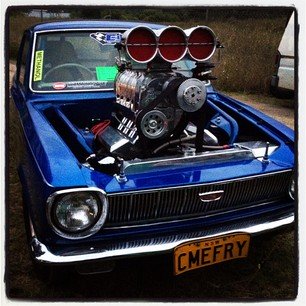 must be excel cond.. :)hi guys, anyone know where i can get overrated ke10 tail light from???? hope someone can help? thanksyep,nathan has sold CMEFRY corolla...its now in perth. :)