
Leaderboard
-
chestikoph1
Regular Member1Points296Posts -
LittleRedSpirit
 Global Moderator1Points4772Posts


Popular Content
Showing content with the highest reputation on 01/21/18 in all areas
-
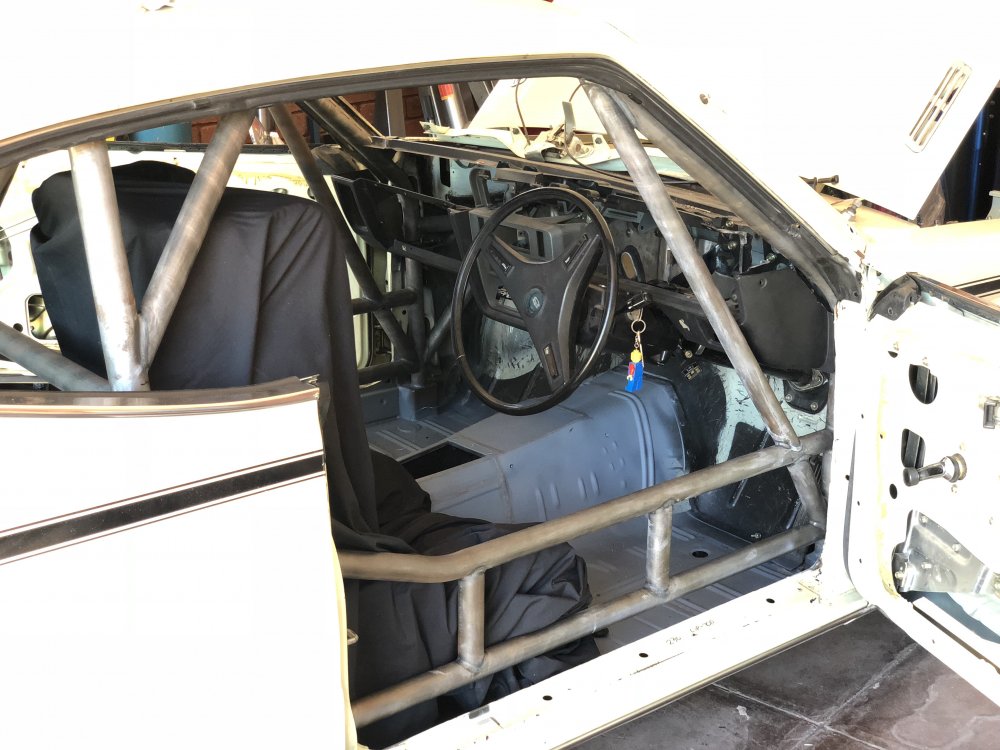
1 pointI have had to butcher up the dash in order to fit back in around the cage, the Carlos bars have made it really hard to get it back in. It has to wedge between that and the A pillar bar for to fit in, gonna be a nightmare to fit it in without scratching the cage up once it's painted, oh well it's a race car anyway!!
 1 point
 -
1 pointSorry to drag back on topic but Ive heard a wierd bubbling noise from k motor that was overfull of oil and having the crank whip the oil into foam.1 point
