Skip to content
View in the app

A better way to browse. Learn more.

rollaclub.com

A full-screen app on your home screen with push notifications, badges and more.

To install this app on iOS and iPadOS
  1. Tap the Share icon in Safari
  2. Scroll the menu and tap Add to Home Screen.
  3. Tap Add in the top-right corner.
To install this app on Android
  1. Tap the 3-dot menu (⋮) in the top-right corner of the browser.
  2. Tap Add to Home screen or Install app.
  3. Confirm by tapping Install.

KE10AY

Members
  • Joined

  • Last visited

  1. where and when are the sydney boys meetinggg? cheeers chad
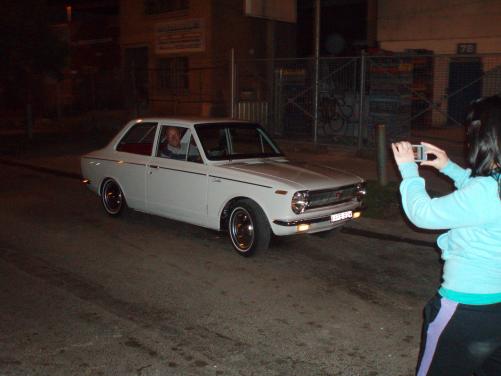
  2. bit of a better pic.
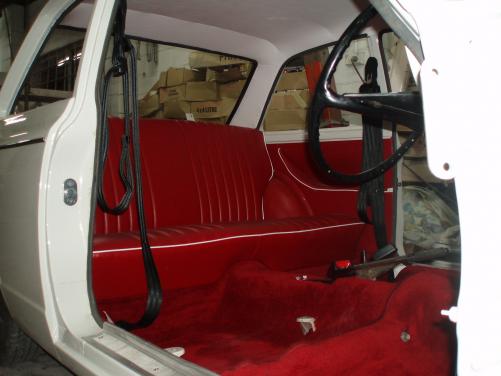
  3. hey guysss I'm form sydneyy, ive got a ke10 68 model, just done a ground up restoration its a real gem gets looks everywhere! il be happy to meet somewhere or even email a pic for the calander cheers chad 0416 468 652
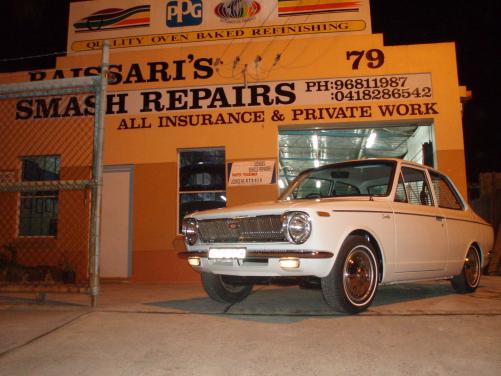
  4. yearhhh shes a 68 model
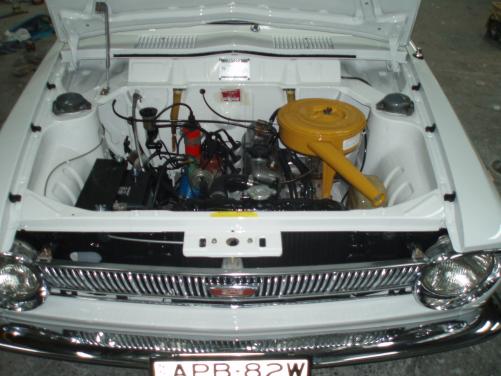
  5. heres the engine bayy
  6. HEYY NICE PROJECT YOUVE GOT CUMMING ALONG, just finished my ground up resto on myne its awsome when its done the amount of looks...... its worth it alright keep up the work, how much till shes done
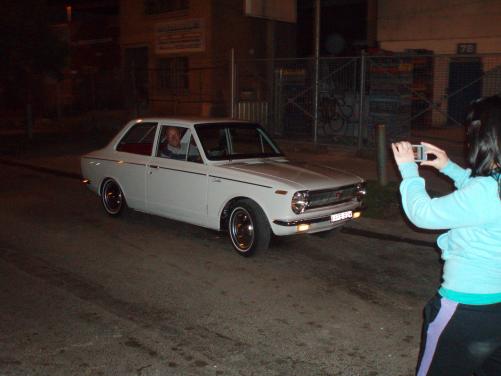
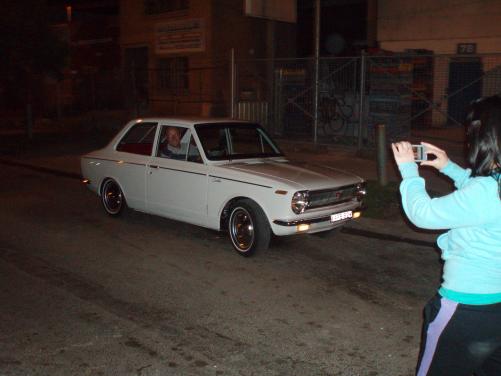
  7. spewingg, just finished restoring ma ke10 but got no license!!!! get it back 1st of october so i guess i will see youse on the next cruise ayee
Account

Navigation

Search

Search

Configure browser push notifications

Chrome (Android)
  1. Tap the lock icon next to the address bar.
  2. Tap Permissions → Notifications.
  3. Adjust your preference.
Chrome (Desktop)
  1. Click the padlock icon in the address bar.
  2. Select Site settings.
  3. Find Notifications and adjust your preference.