
Leaderboard
-
megamannz123
Regular Member1Points212Posts -
Mechanical Sympathy
Regular Member1Points555Posts -
Taz_Rx
 Global Moderator1Points6800Posts


Popular Content
Showing content with the highest reputation on 09/04/17 in all areas
-
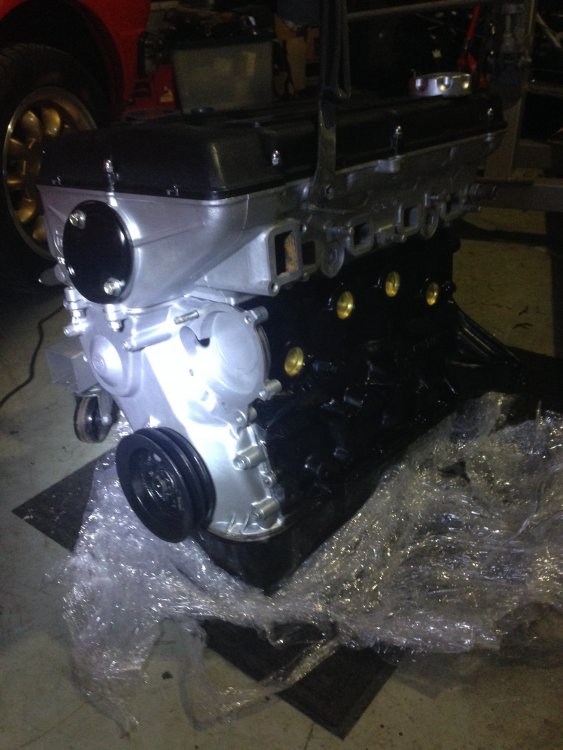
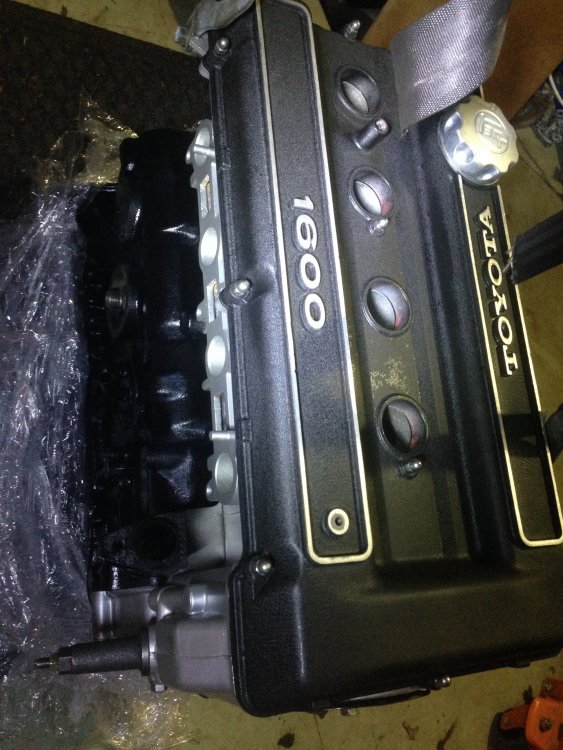
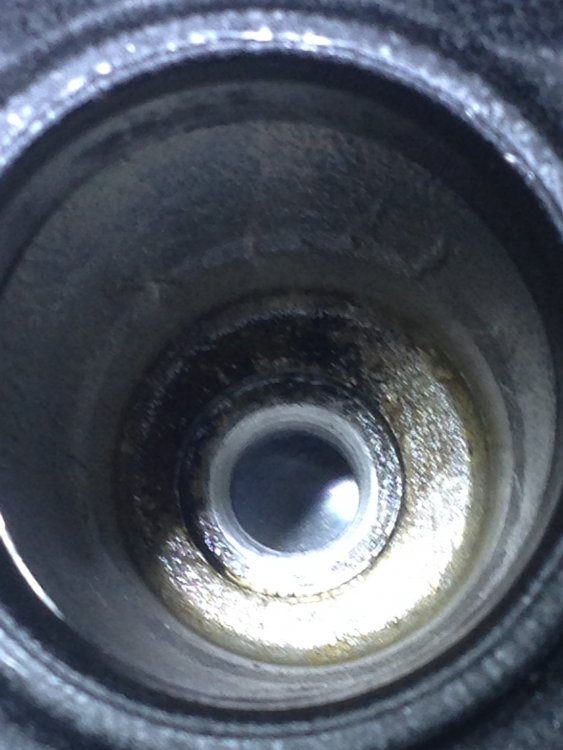
1 point1 point1 pointWell it turns out I had to take my own photo of the pistons. But I'm ok with that!
 1 point1 pointThe Bahco looks very nice, I might have to save up for a bit, I guess its something that will hopefully last for years and years so better off getting a decent one. I think Aluminium, low profile and twin piston are the things I'm looking for now. Cheers all!1 point


