curly
Regular Member
-
Joined
-
Last visited
Everything posted by curly
-
Close but that one is a hardtop
-
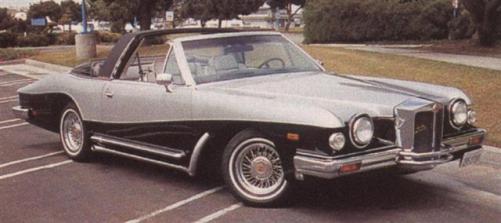
American but the name sounds european, magnificent early cars but they end up with this?
-
hispano-suiza H6B
-
auburn speedster
-
can,t google and breathe ay
-
Sexy Wish they made a kit
-
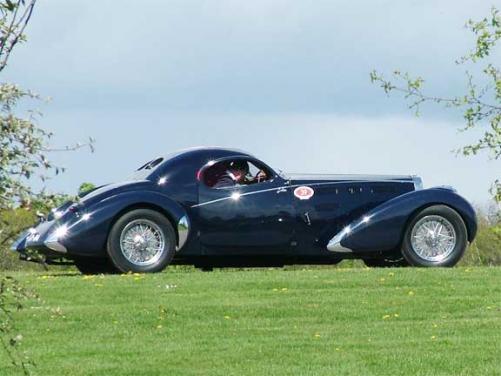
xply tyres so70s looks french but its just the hub caps
-
how about a country
-
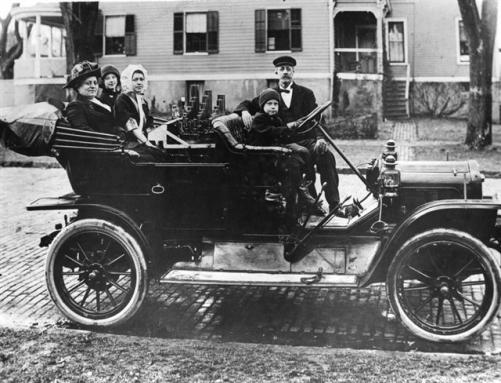
ye stanly steamer now back to the black car
-
I,ve given every clue except put it,s name down and no ones had a shot
-
now this is a sexy car
-
i mean the white car in the backgroundLooks like a kiddies toy box goggomobilwhat about the old car on page 28 hint it,s not a convential motor right behind the drivers headnope Think 3 letters31 dodge DH 4 door Looks familia
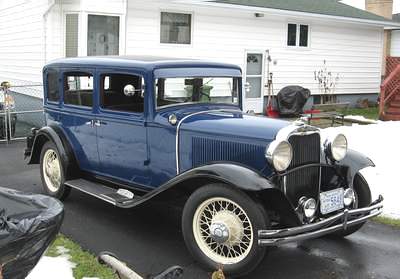 no don.t think the company is still going got a rich racing heritage1929 plymouthA very important car in history HINT the motor is between the people hint its steam powered