

Murd 55
Senior Member
-
Joined
-
Last visited
Everything posted by Murd 55
-
was jsut thinking, it would be rather cool to have a rollaclub and t4s club display together, so kinda hve t4s only cars to one side, cars in both to the centre and rollaclub only to the other side. so that none of us have to choose the crew we hang with.
-
they will fit ke30/35 too, as they are the same shape as a 55
-
gulfview heights, cool not far from me, I'm down sailsbury way =]
-
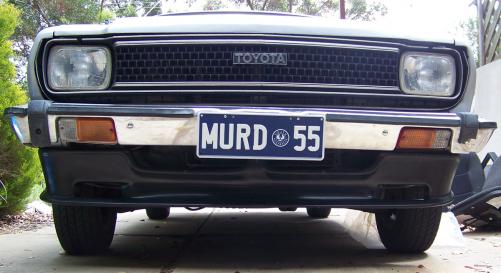
my bumpers crooked, not the spoiler/splitter =]
-
haha indeed, was funny thou, you were driving off and all this gravel is just showering out the back-end of your car. lol.
-
i had enough brains to google the form, just working out if there will be a rollaclub display or weather i try to squeeze myself somewhere into the t4s display.
-
when we went for our shoot we left at 11 in the morning, wasnt home till 5, i warn you, its a long day, and remember SUNSCREEN, cos my skin is on fire! was good though, had a nice cruise too. looking forward to seeing the photos from all the shoots =]
-
you just wanna see the naughty pics!!! aka burnout pics
-
i have a ticking issue with my 4k also, once it warms up. so far people have said perhaps its oil, or a leak in the exhaust manifold as the metal expands once it heats up.
-
so just wondering, will rollaclub be having a display, as looking at the entry form i need to know this information :y:
-
spotted an old timer in a poo brown ke20 today down bridge road, looked a little worse for wear, but was nice none the less.
-
yes as kj here also has a 55 liftback, quite a nice car, once it grows on you
-
nah i knew where i was going once i got to og road. seemed easier than cracking the gps out :y:
-
yeah i am defiantly regreting rejecting the cream, my face is SOOO sore now =[ =[ but nah deff the best fun ive had on a cruise, even if it was a tad scary at times. good fun, definitely a good bunch of guys.
-
quick detail ready for calendar photoshoot =]

-
so what has to be done to actually enter a car into the show? I'm new to the whole car show thing, but i am keen. (i probably sound pretty noob, but better to ask than assume)
-
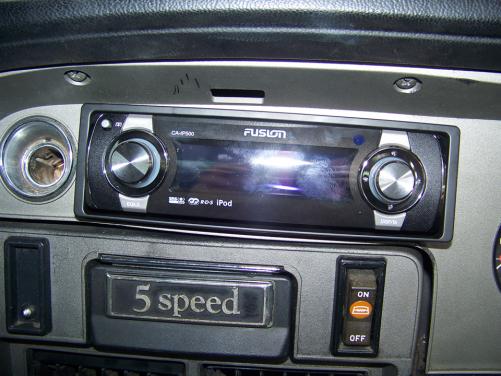
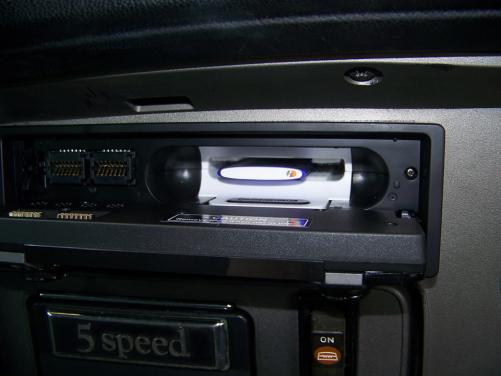
all in now =] i have to wait till the end of the month for them to make the right insert or 'sleve' as they call it for the new nano that i have so for now the touch one is the best fit =]
-
eww ditch the charade. corolla FTMFW!!
-
have fun finding wrap around bumpers. I'm still after a chrome rear! got a chrome front one thou =] =]
-
the other one, was from hong kong, enough said! it malfunctioned more than it functioned =[
-
wish i could make it, got work till 7 thou! bugger!
-
going in tomorrow or saturday =]
-
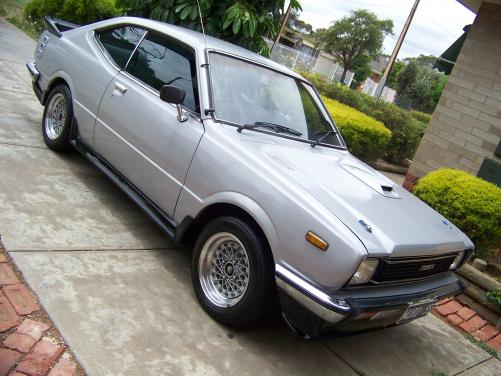
ill be there =] booked the day off work! EDIT: did some prep work today ready for tomorrow =] =]
-
will be there armed with my new headunit =]
-
hmm, i wonder, if your all competing for the wooden spoon, do i get the golden spoon? :jamie:


