zooyorkjack
Members
-
Joined
-
Last visited
-
zooyorkjack changed their profile photo
-
I got them out of the house I demolished pretty lucky the homeowner didn't want them any more. I think your best bet is finding a secondhand set or big money for a new set I guess..
-
Continued - Yesterday
-
Continued
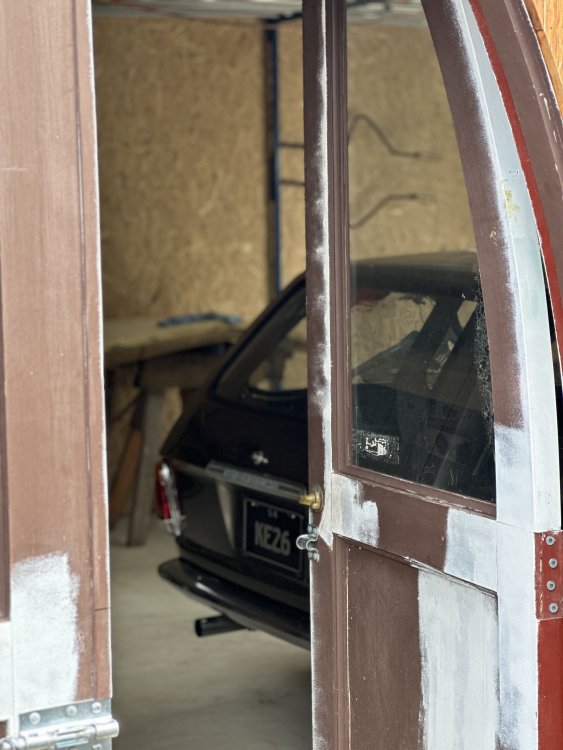
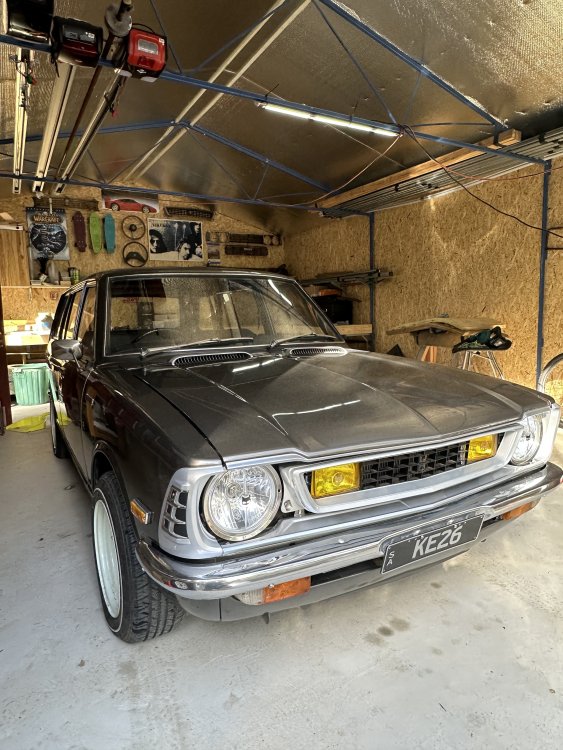
-
Continued
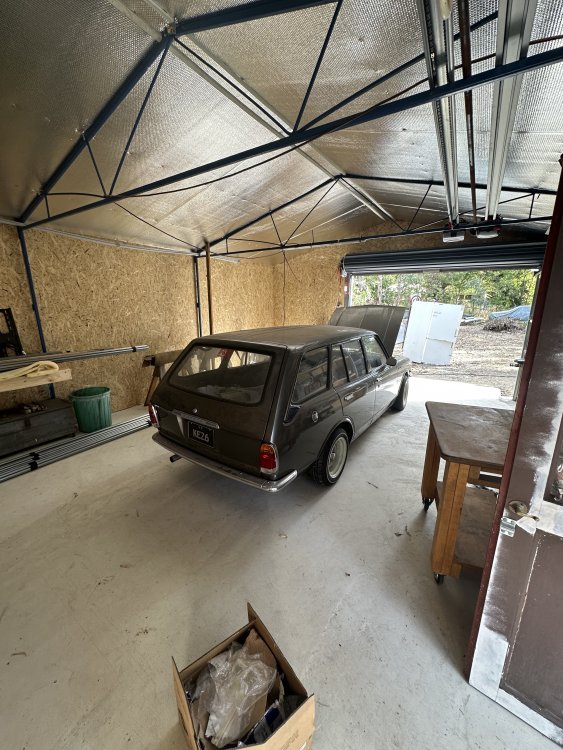
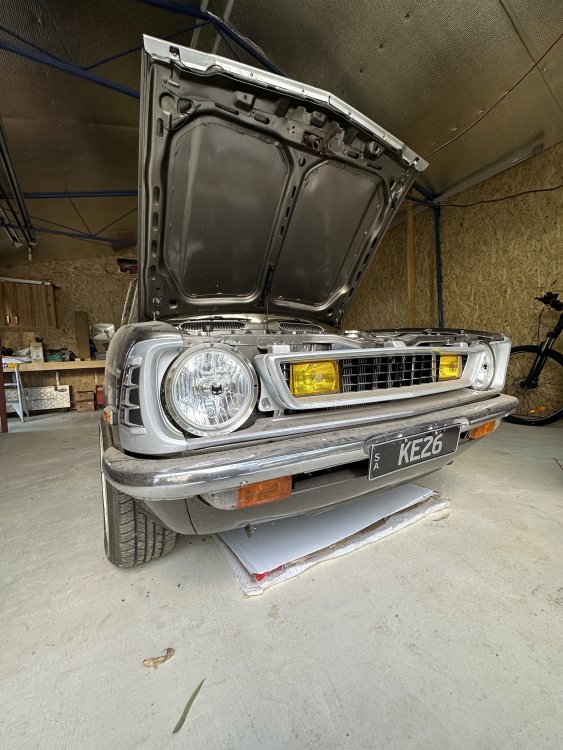
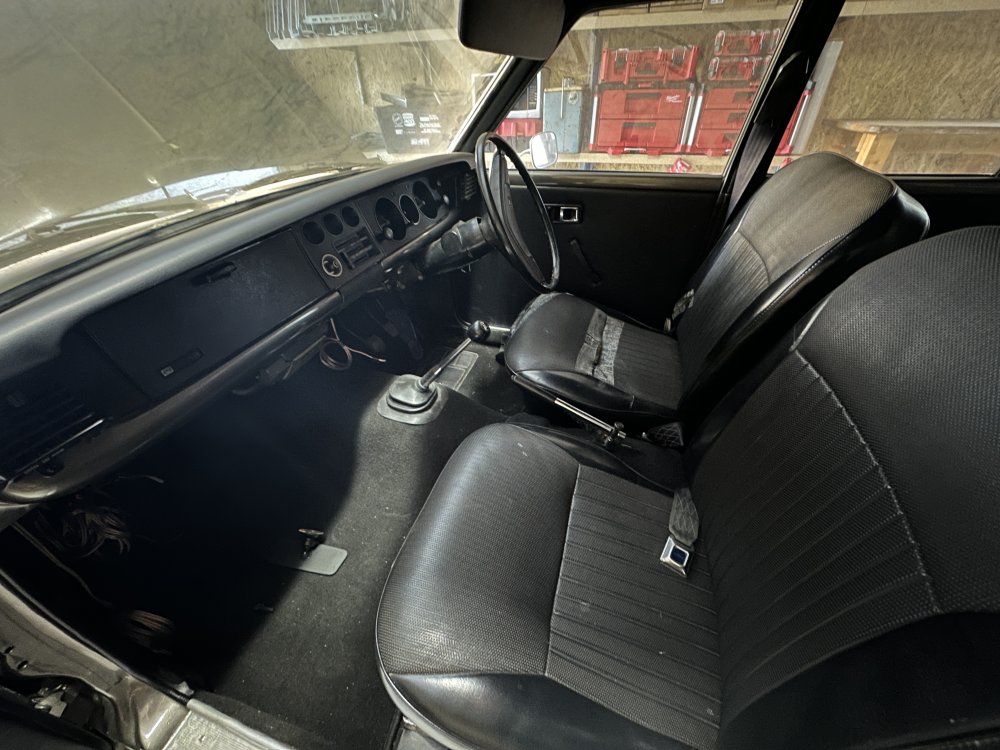
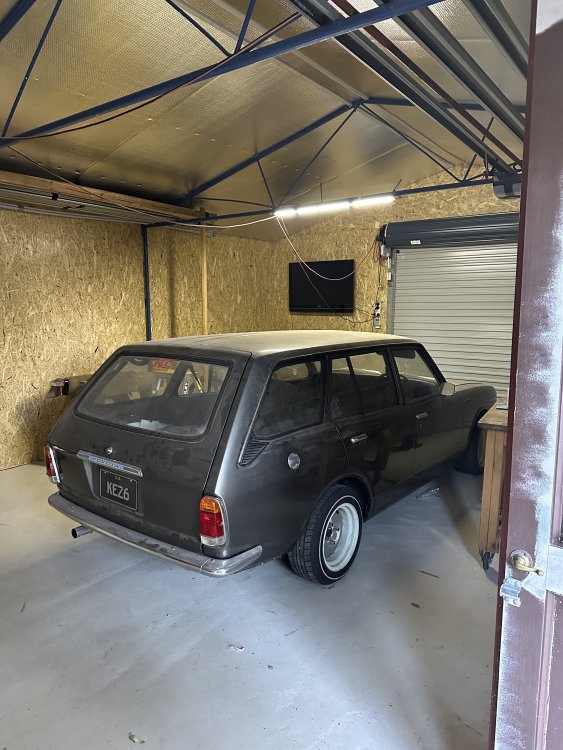
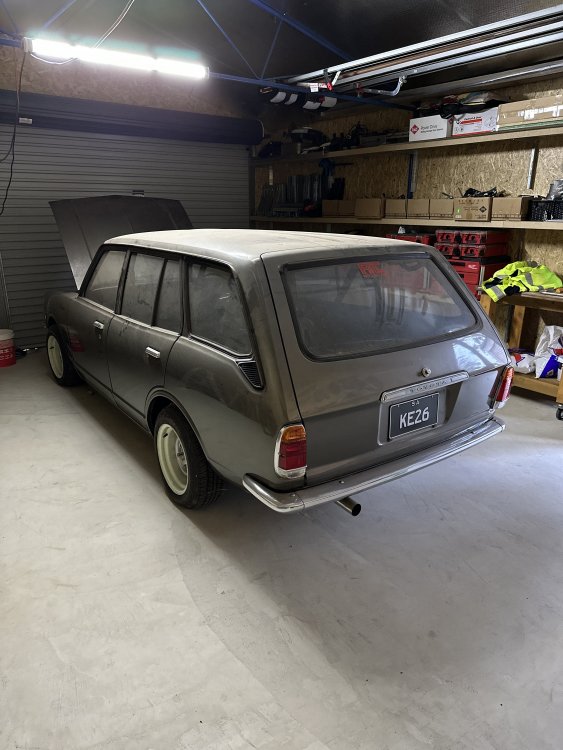
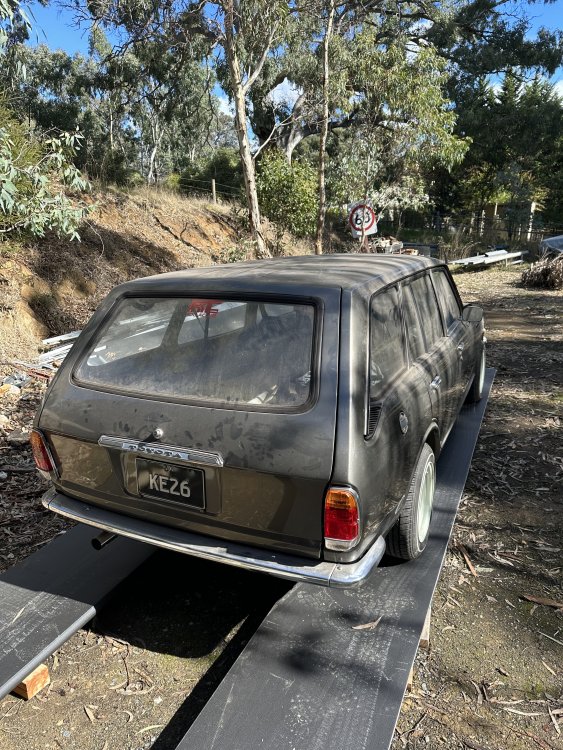
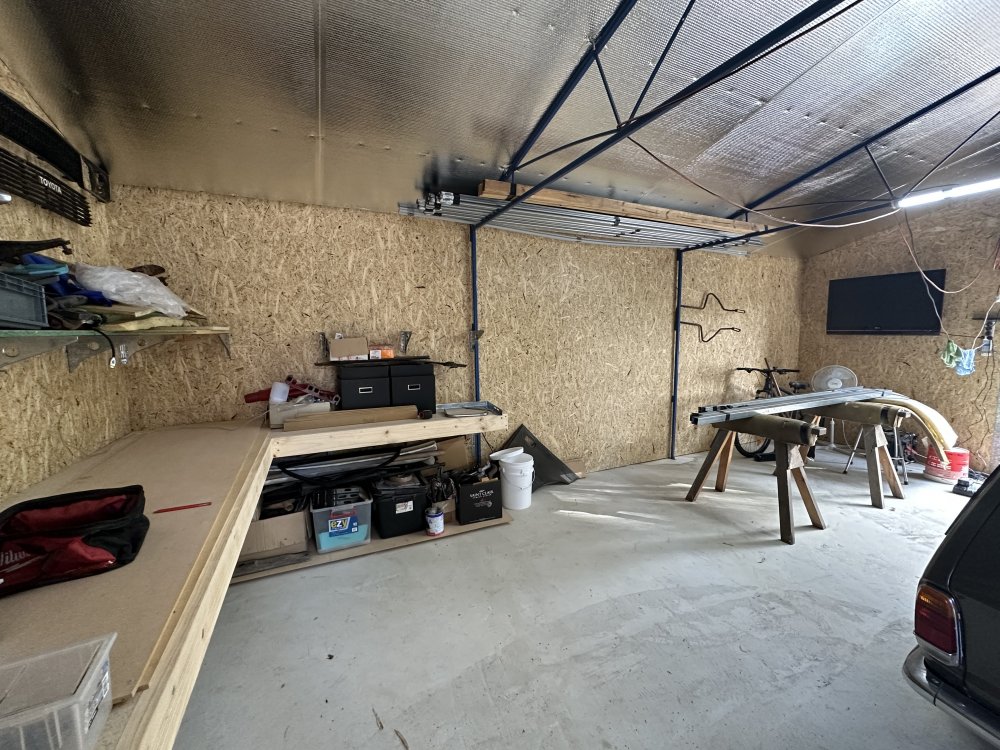
-
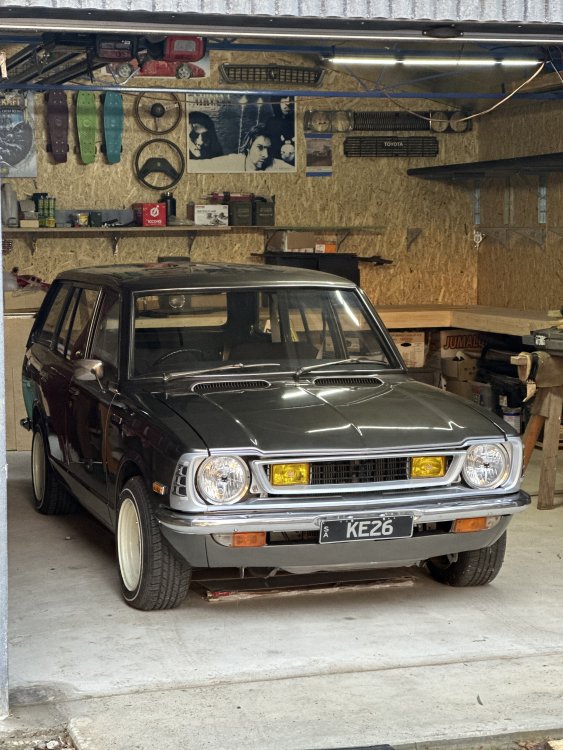
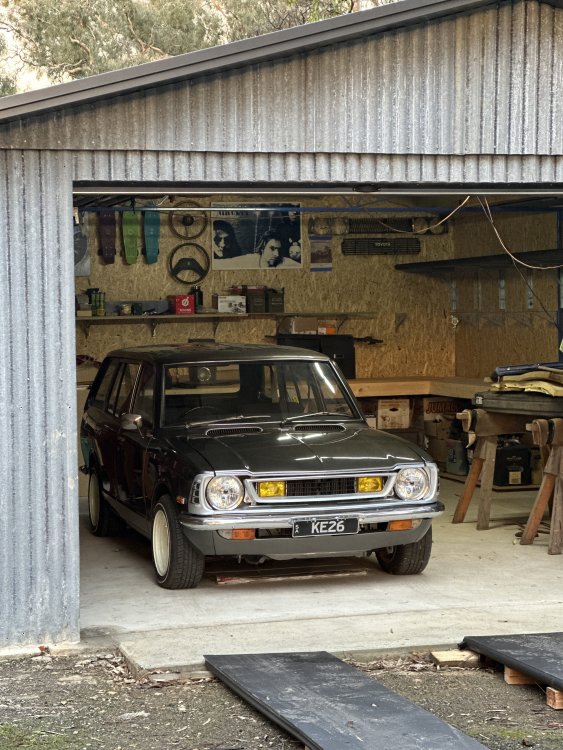
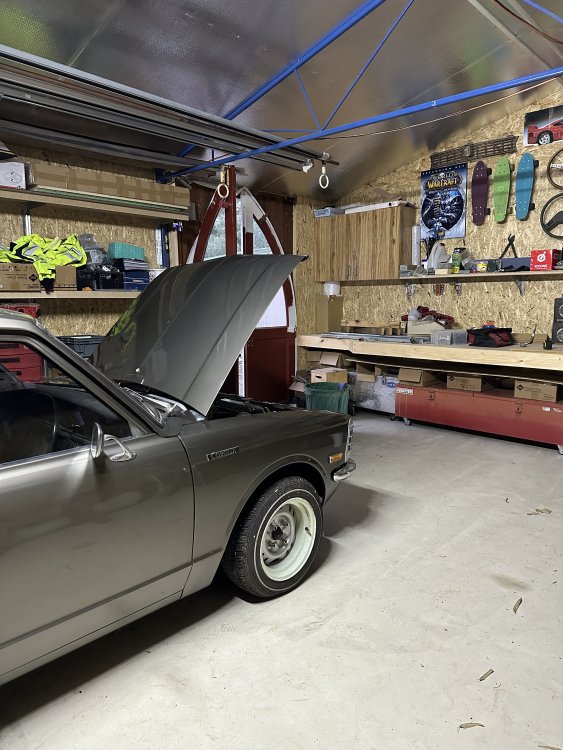
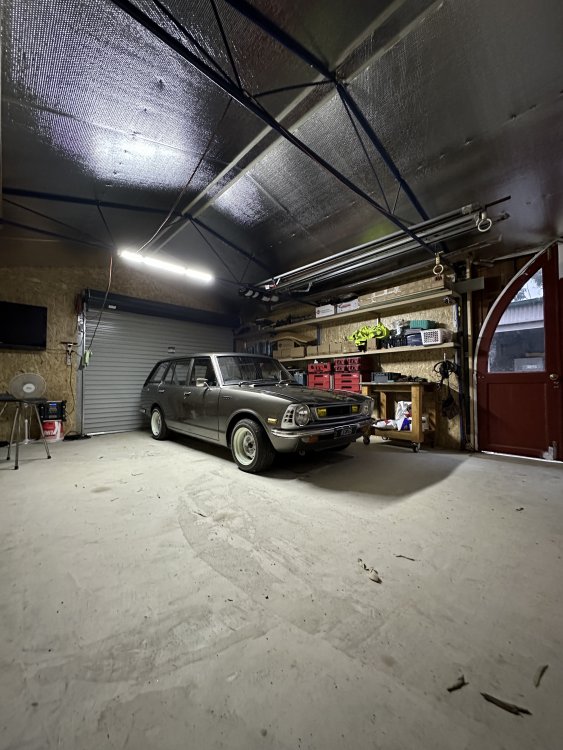
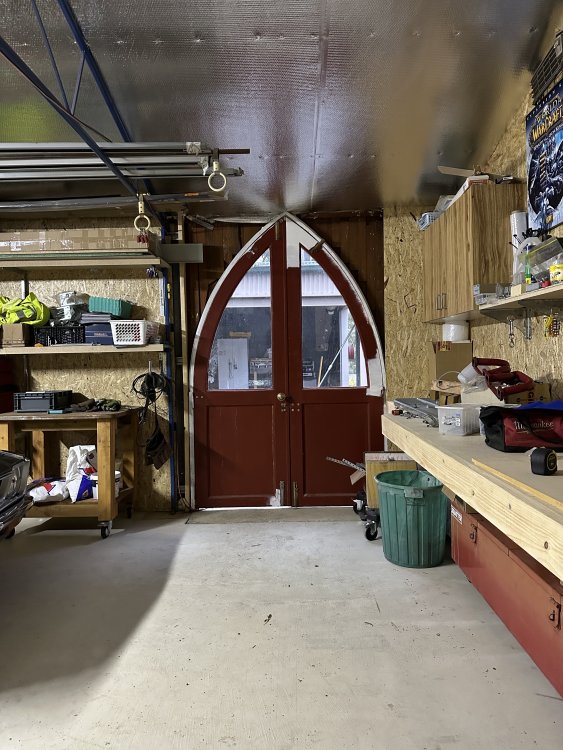
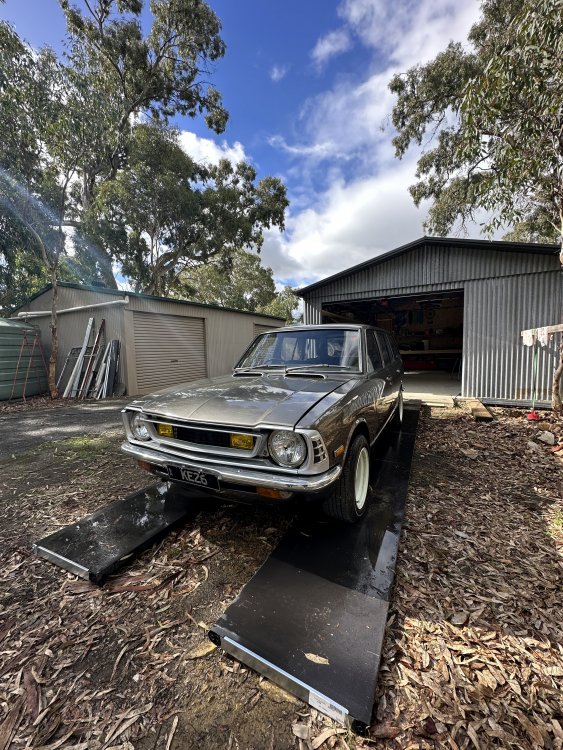
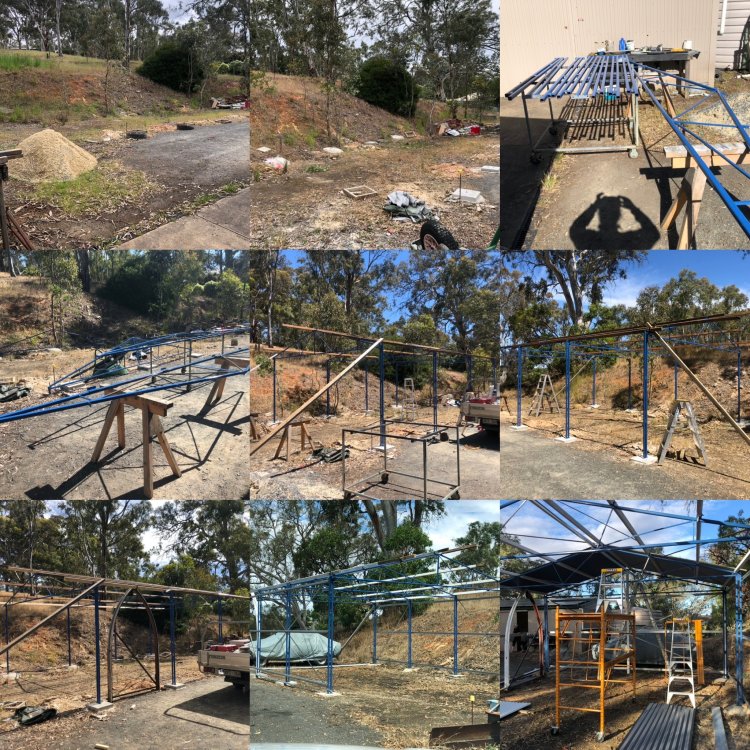
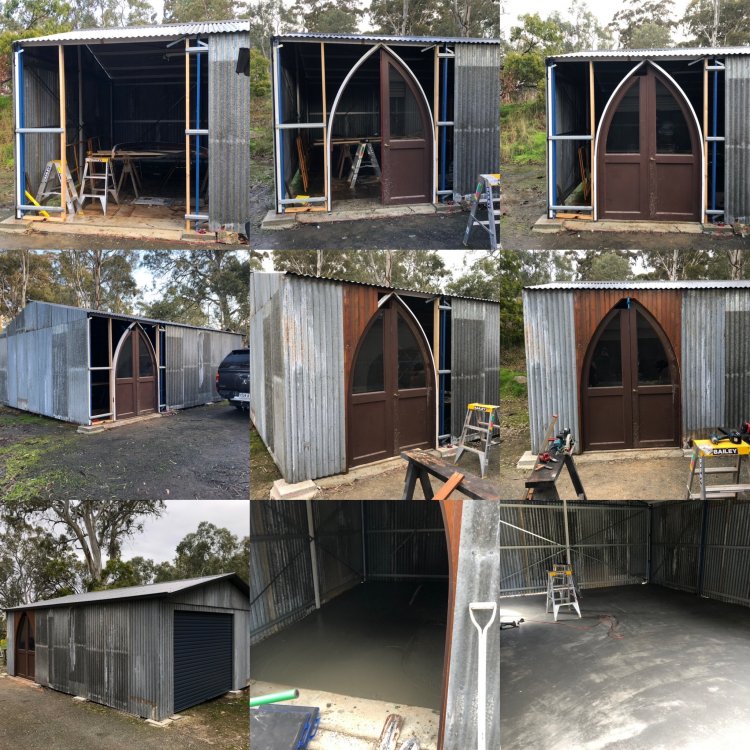
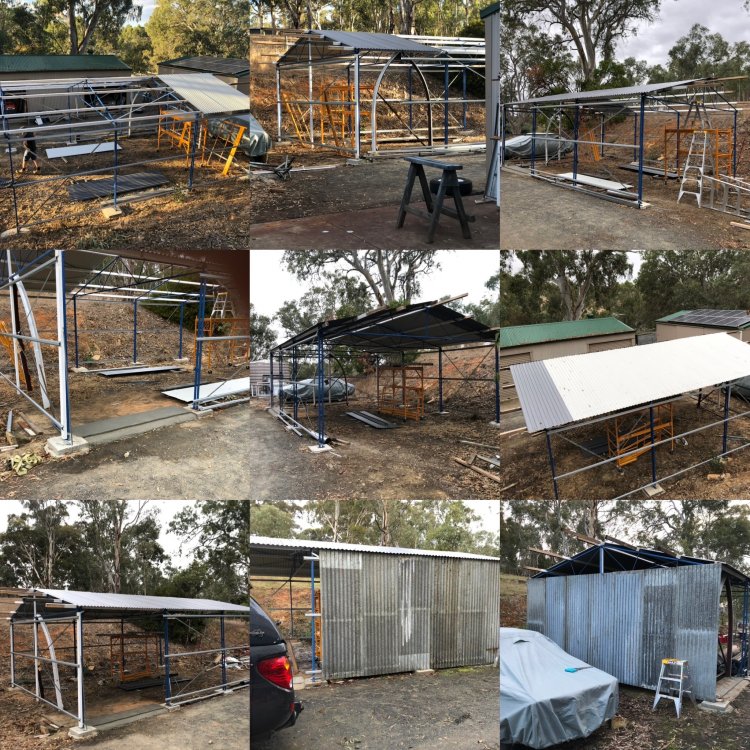
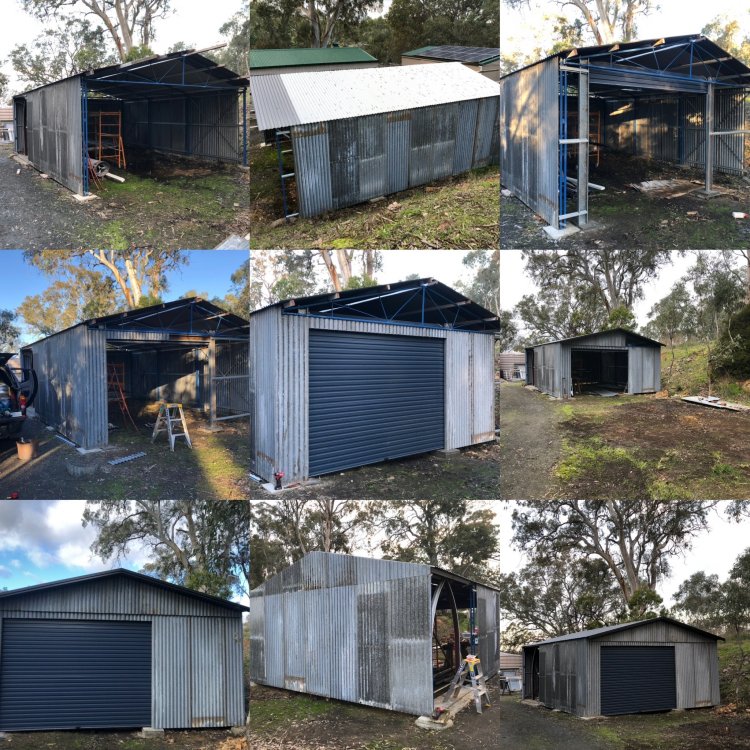
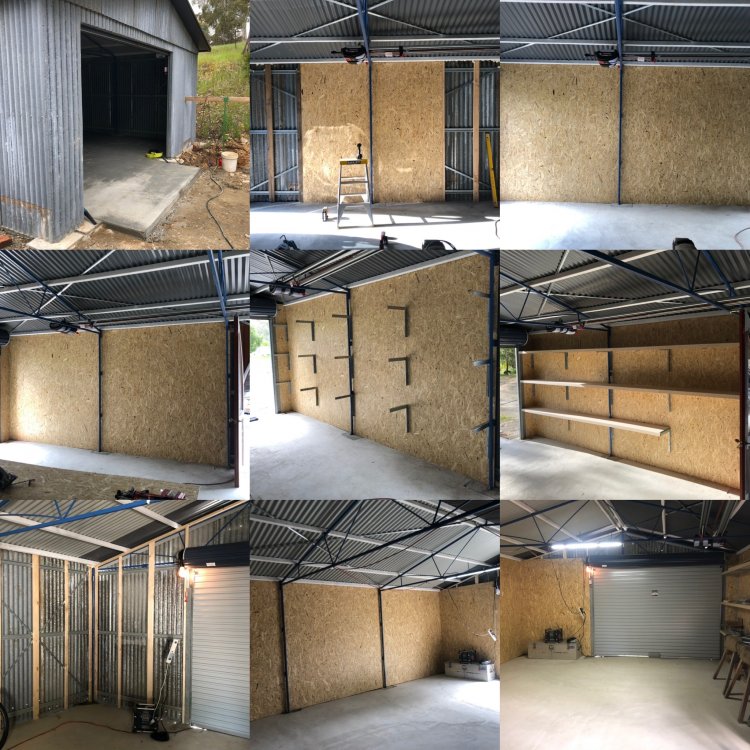
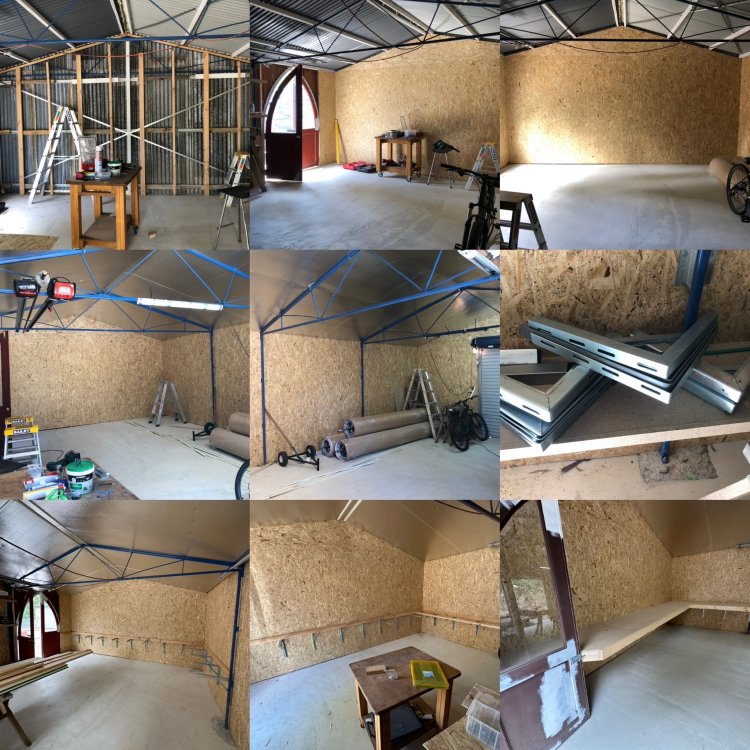
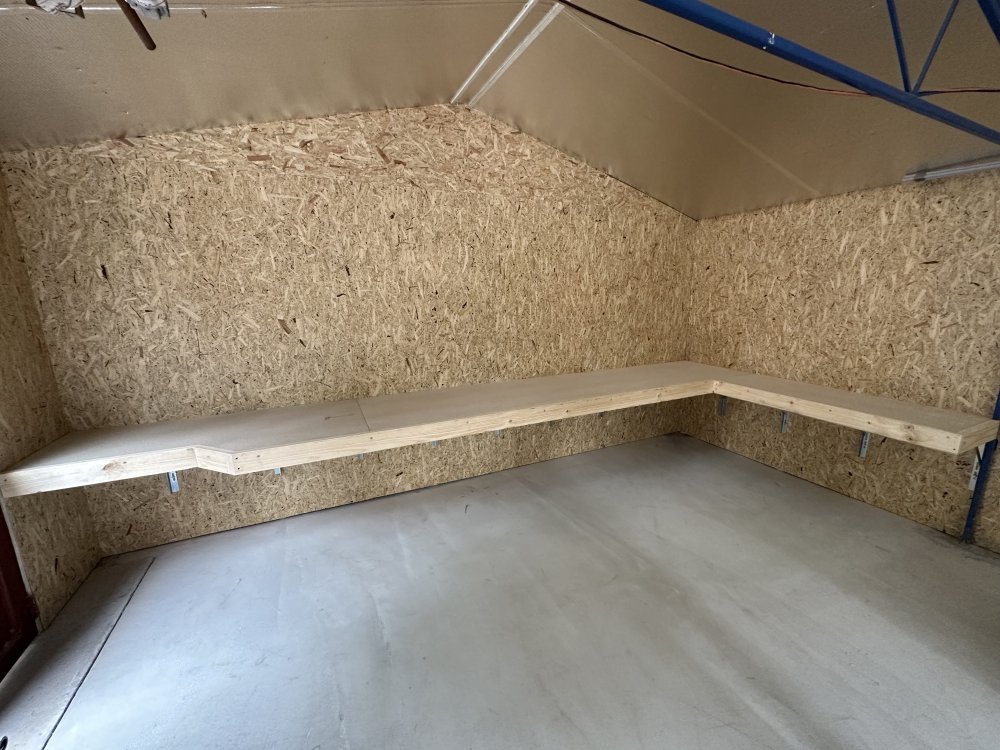
I also Built a shed in that time due to running out of space. 50% of it was made with stuff I collected off job sites
-
Continued
-
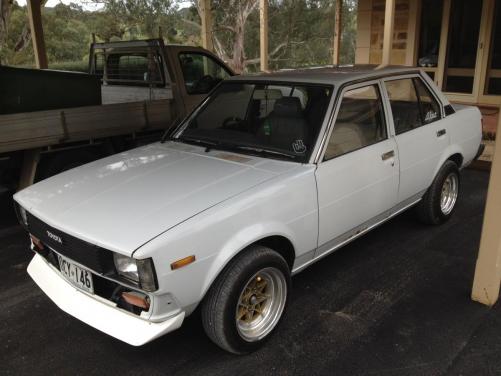
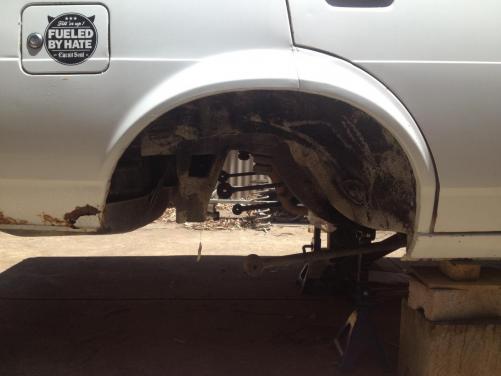
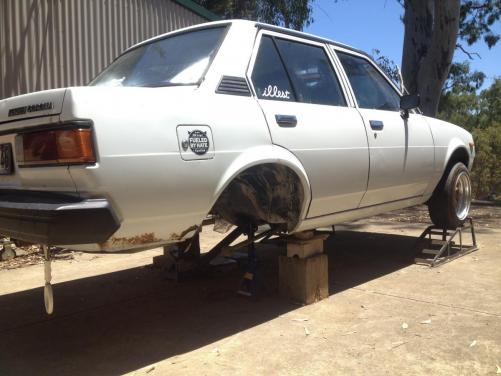
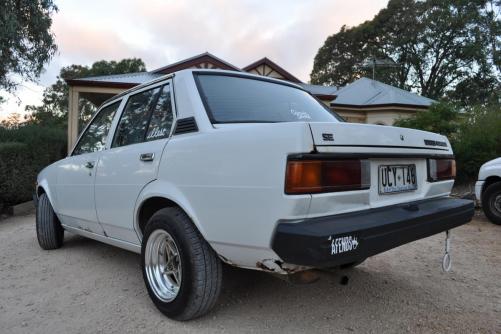
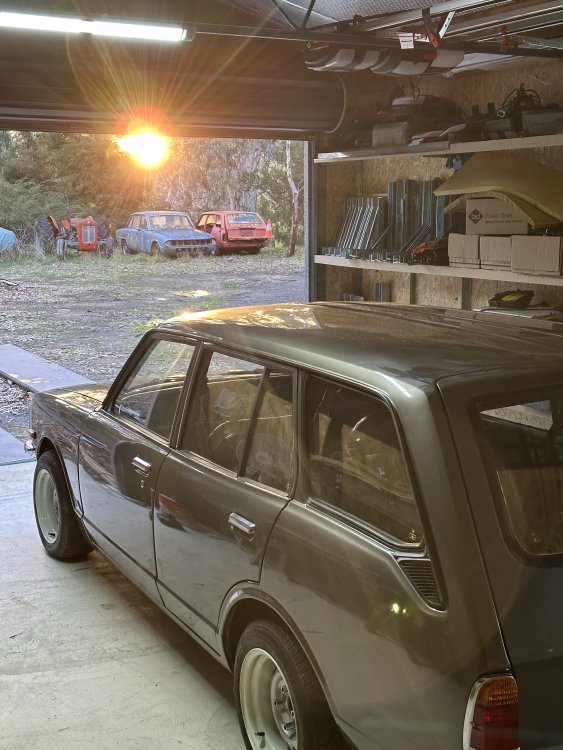
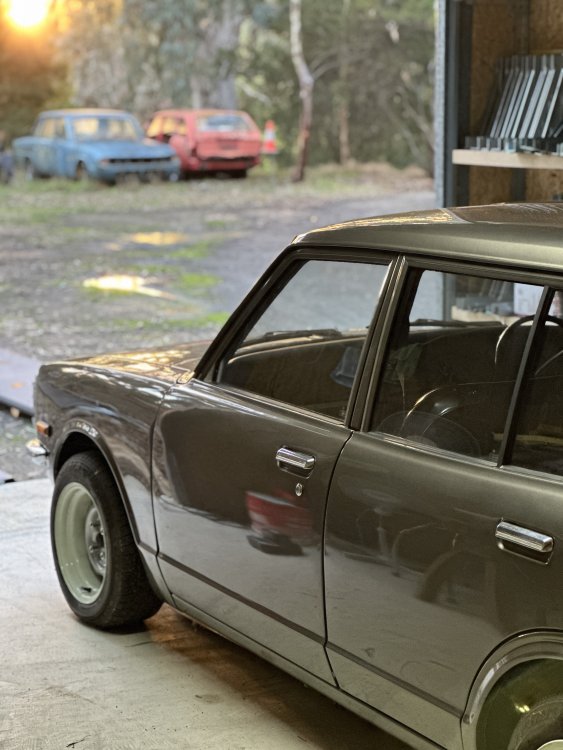
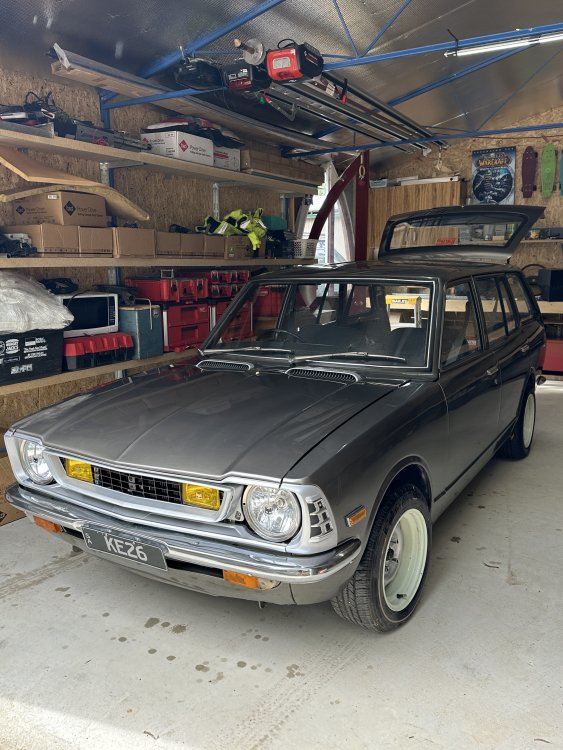
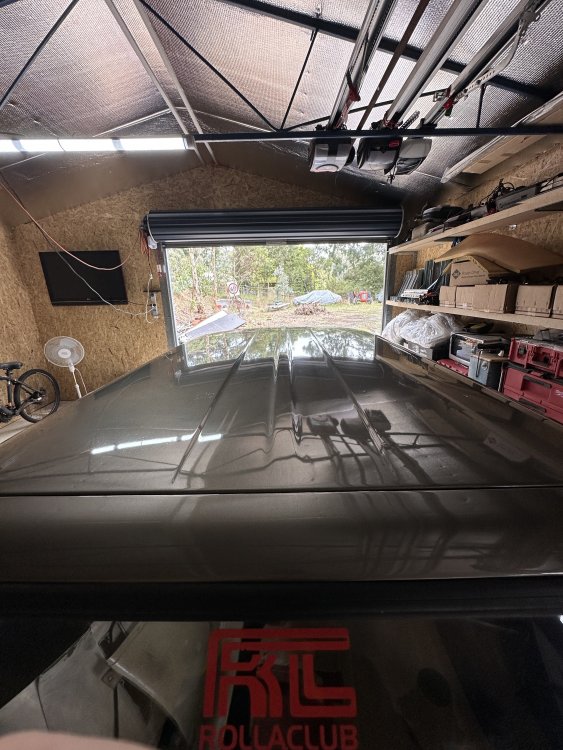
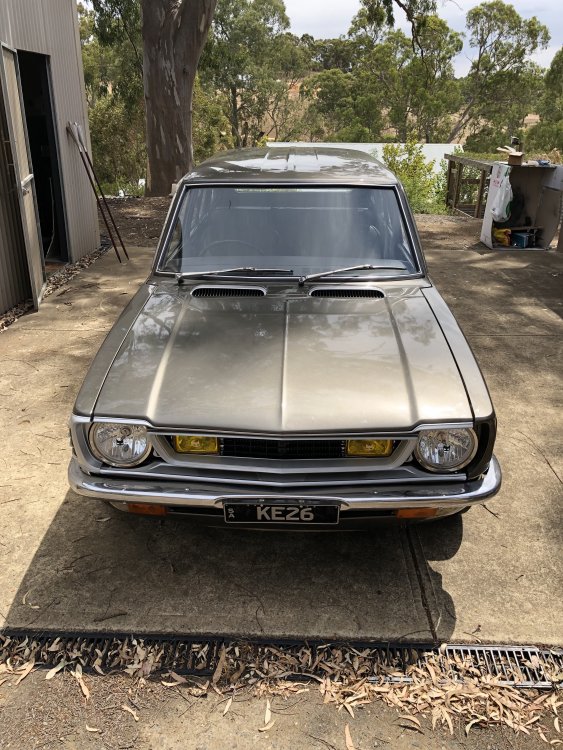
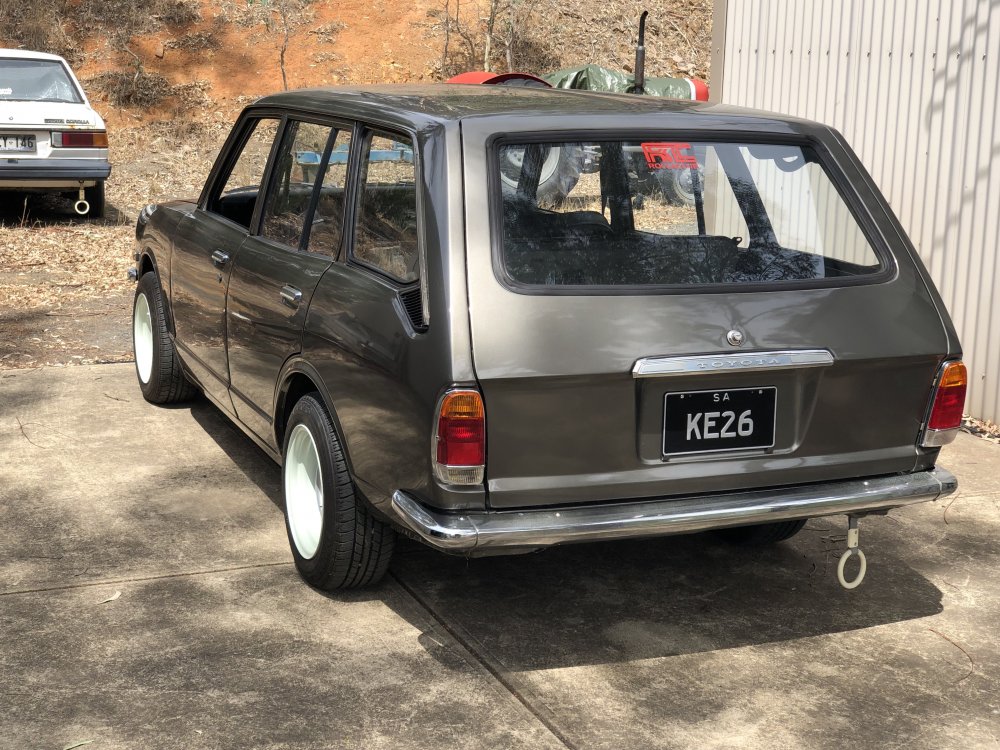
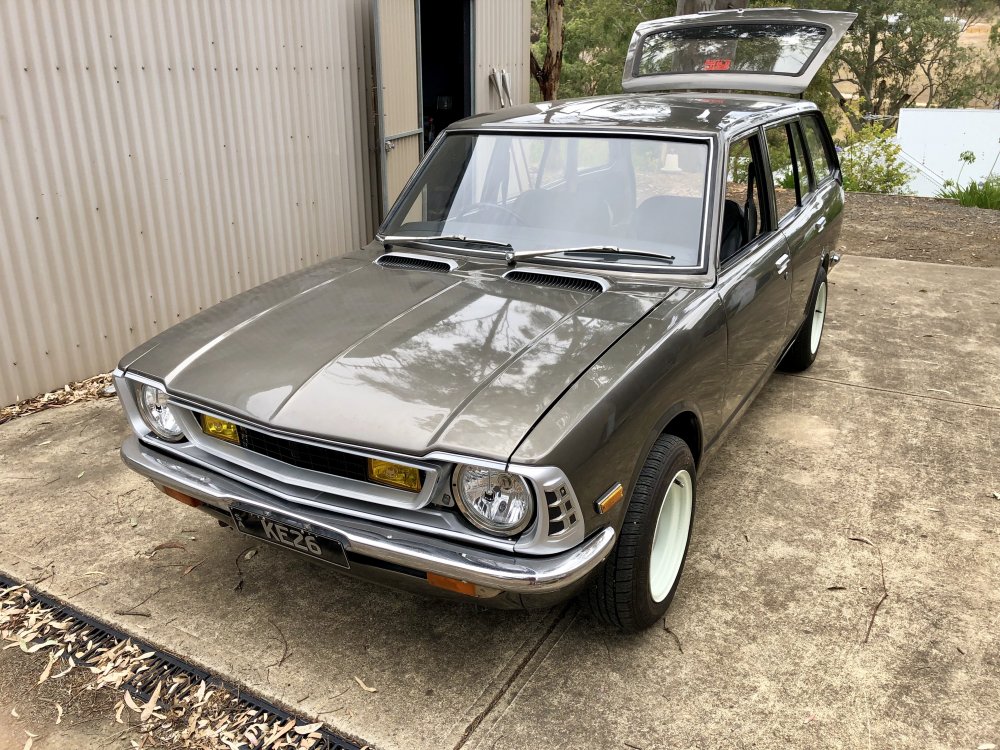
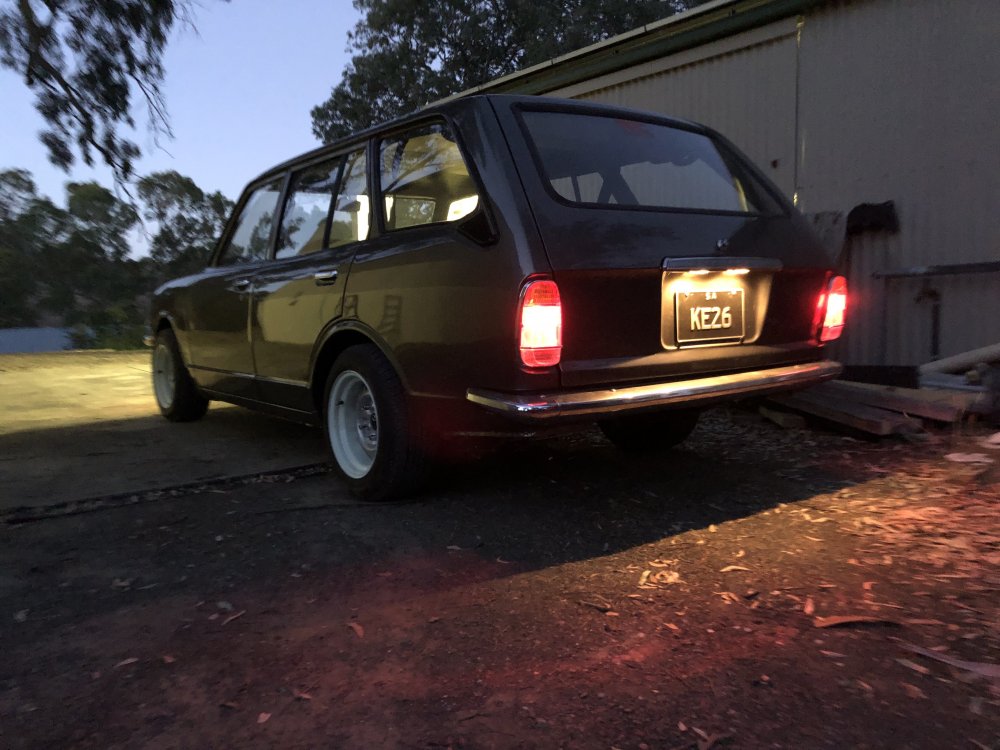
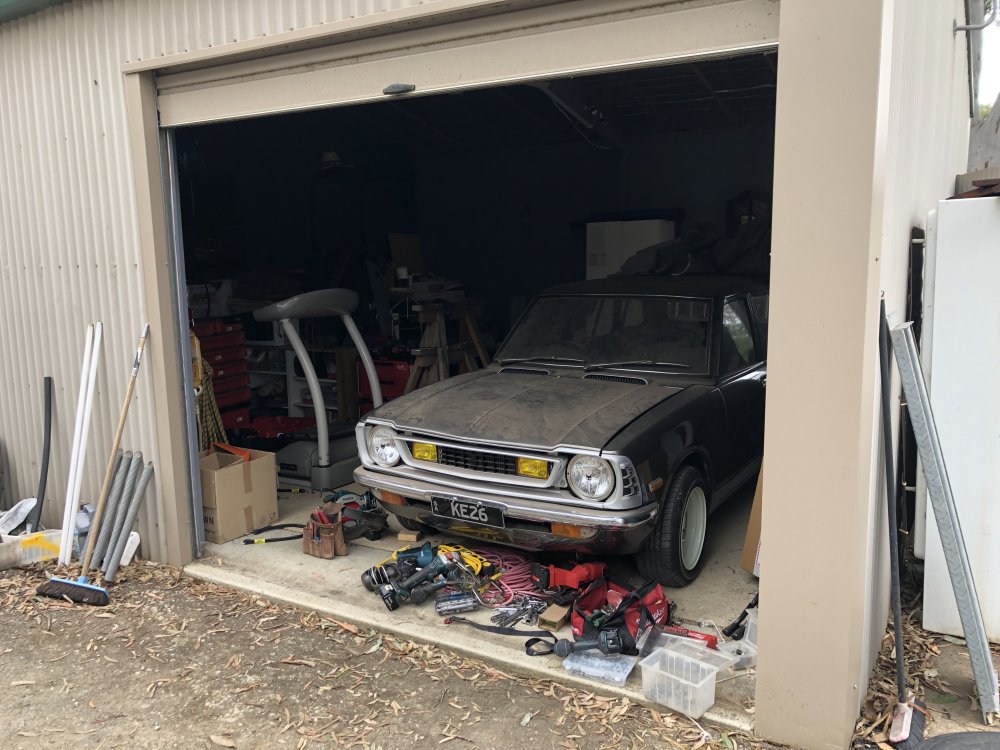
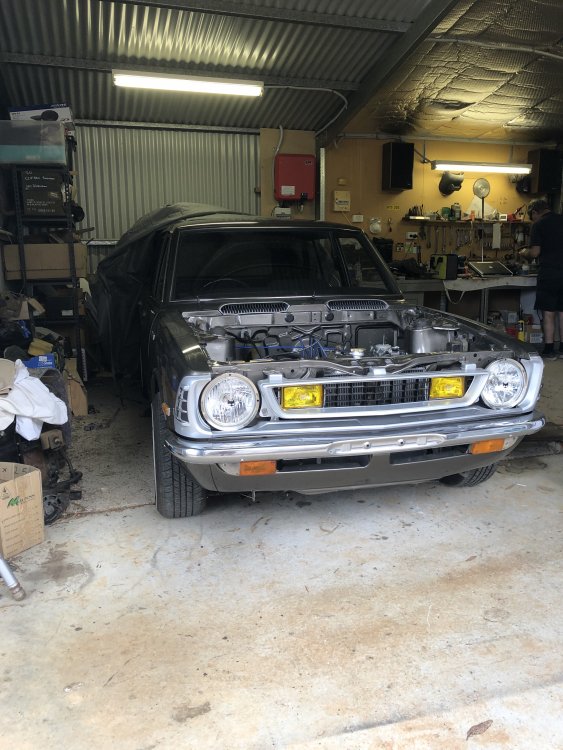
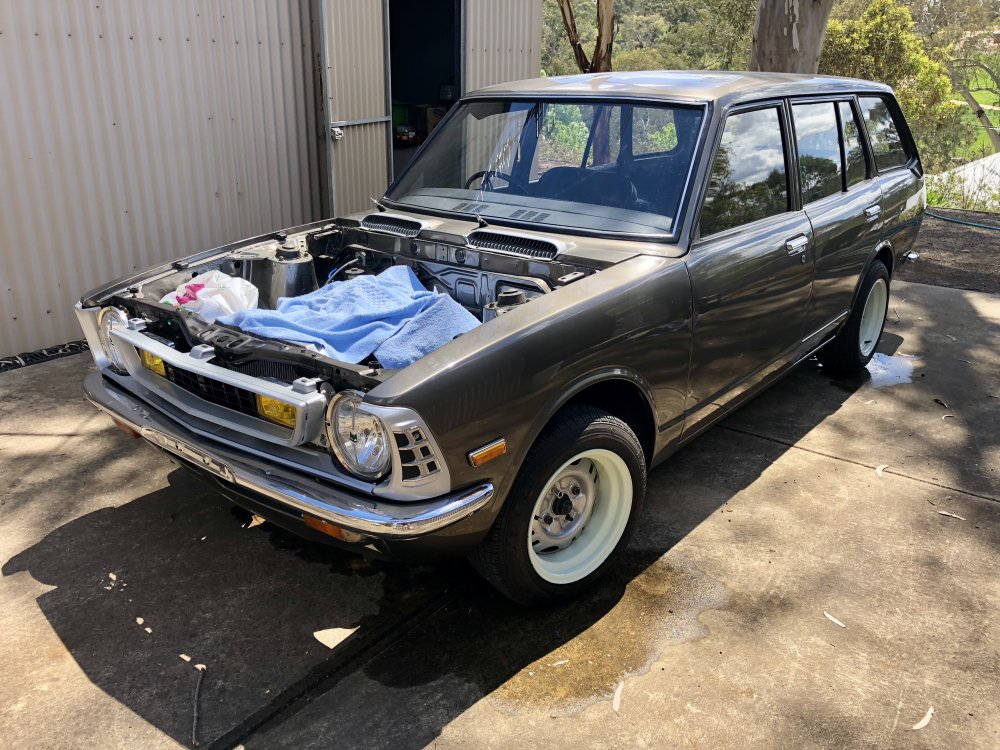
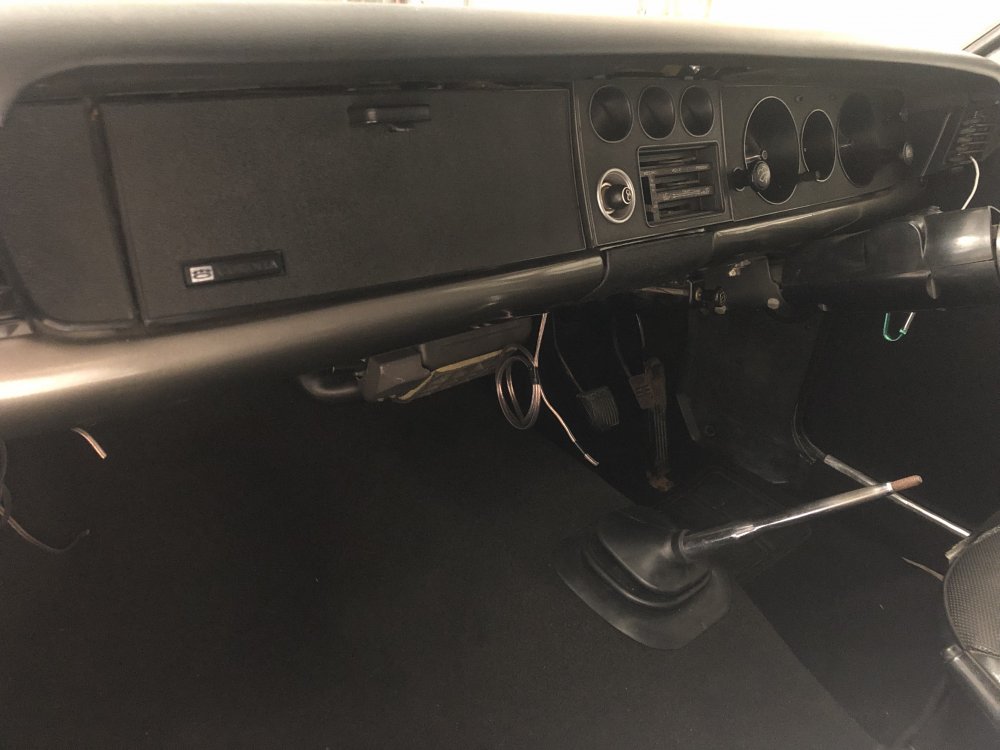
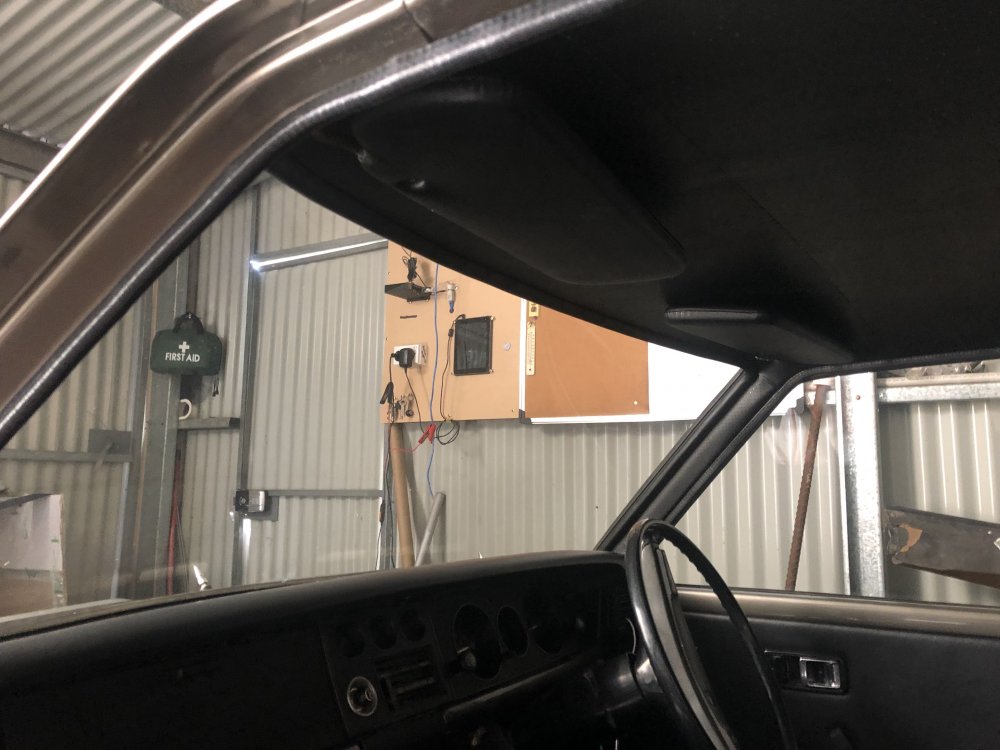
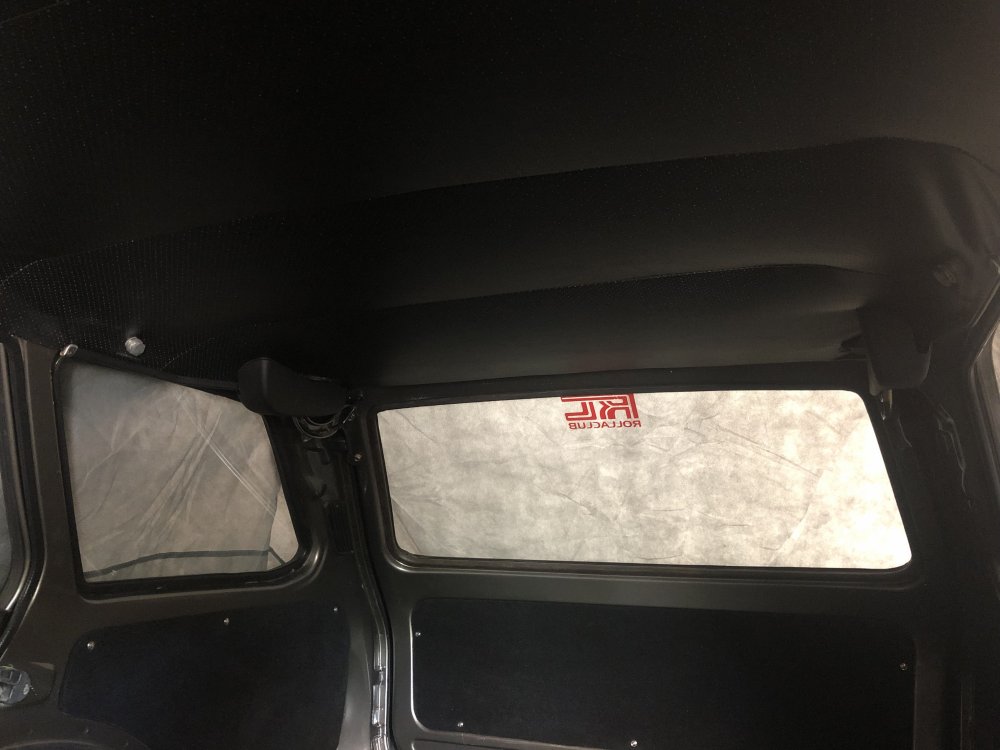
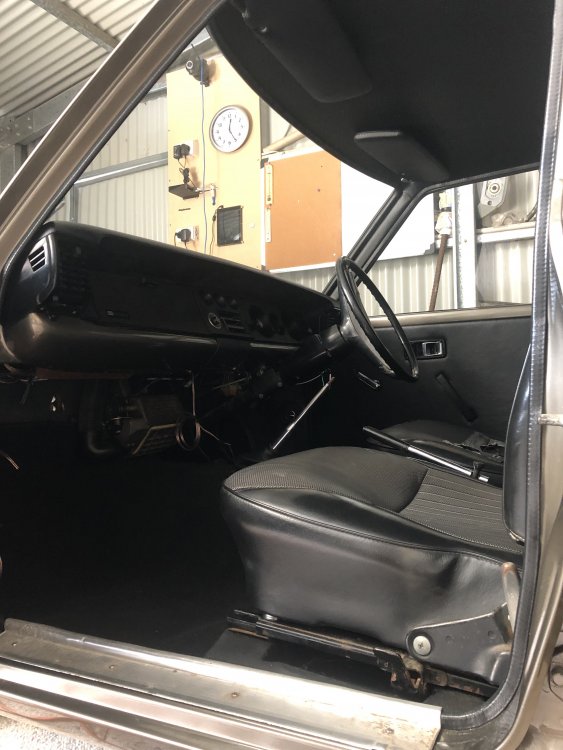
Random photos from last post to now, still a list of small things to do also.
-
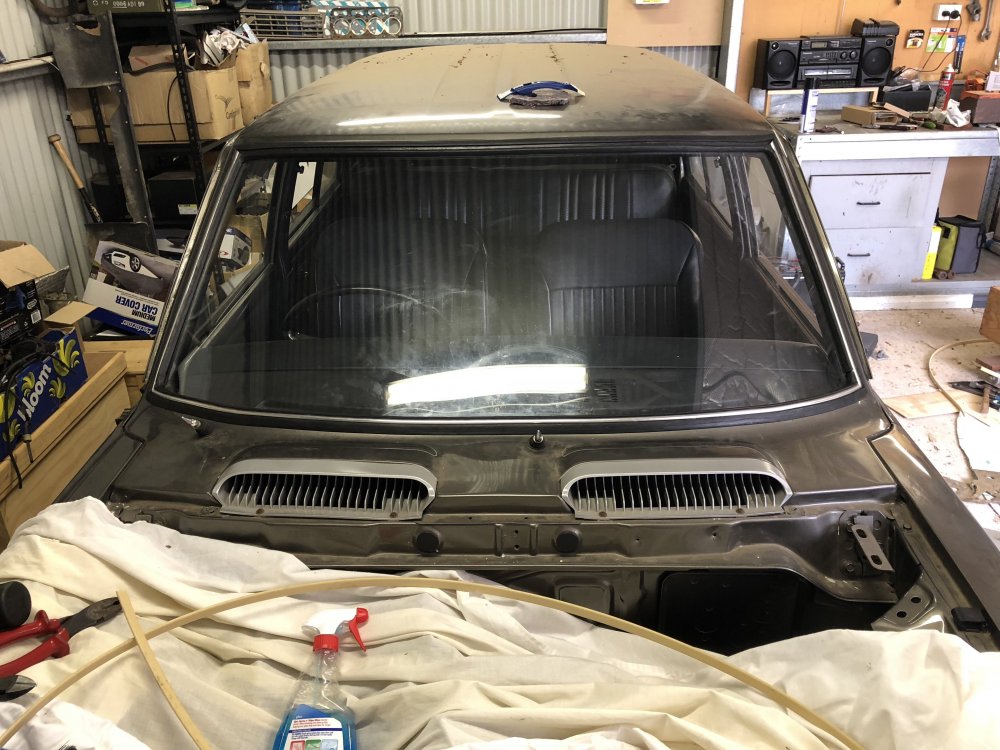
Hey Jose, thanks mate, this is the windscreen rubber i got, https://www.ebay.com.au/itm/TOYOTA-COROLLA-KE20-FRONT-SEDAN-WAGON-WINDSCREEN-WINDSHIELD-RUBBER/142683394856?hash=item213897d328:g:YlMAAOxyY9VRU5vt:rk:14:pf:0 and lock strip, https://www.ebay.com.au/itm/Toyota-Locking-Strip-Front-Rear-Windscreen-Corolla-Ke20-25-30-35-55s/192378422830?hash=item2ccaa5c62e:g:Kr0AAOSwh1haHLOD:rk:3:pf:0
-
Dust.
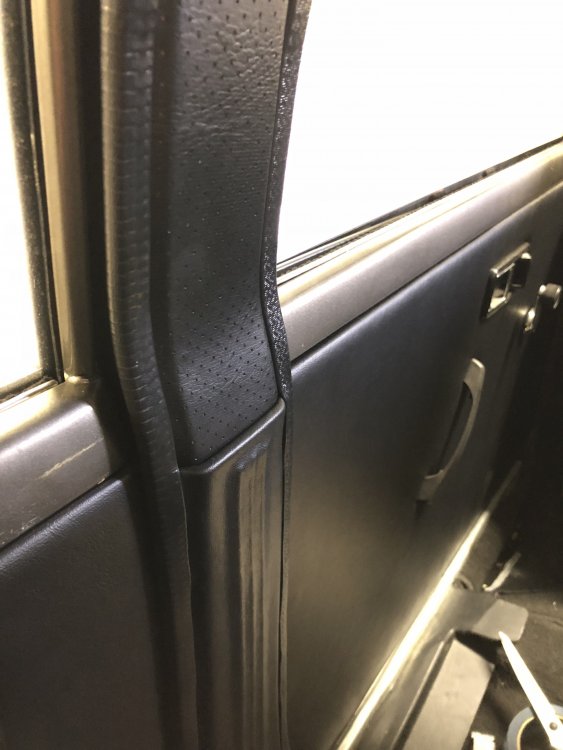
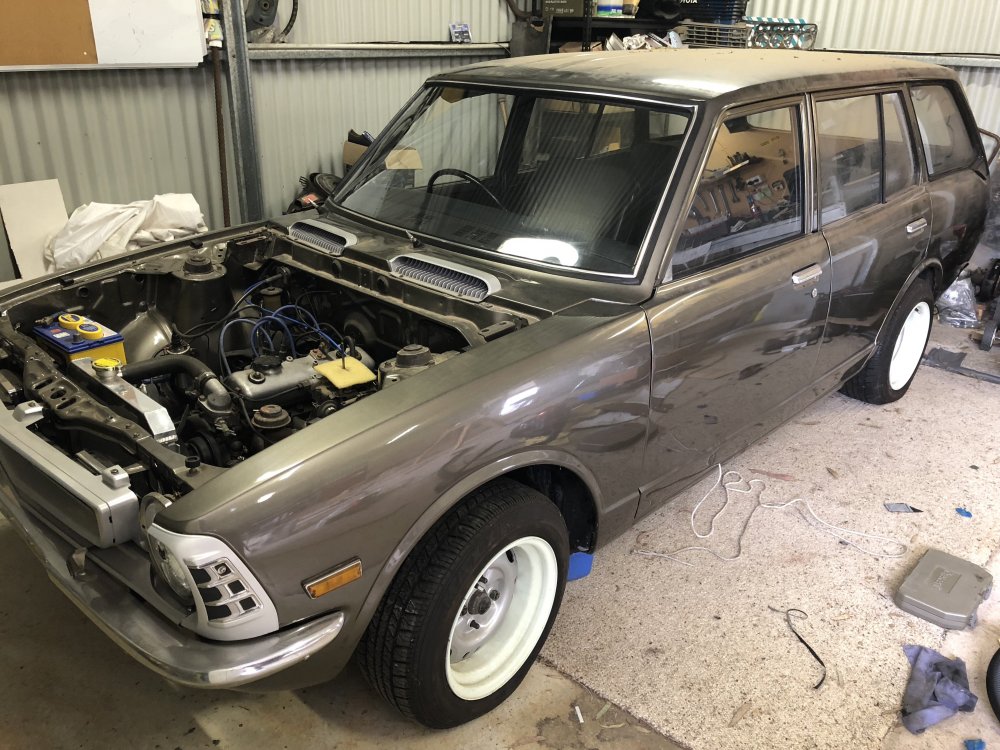
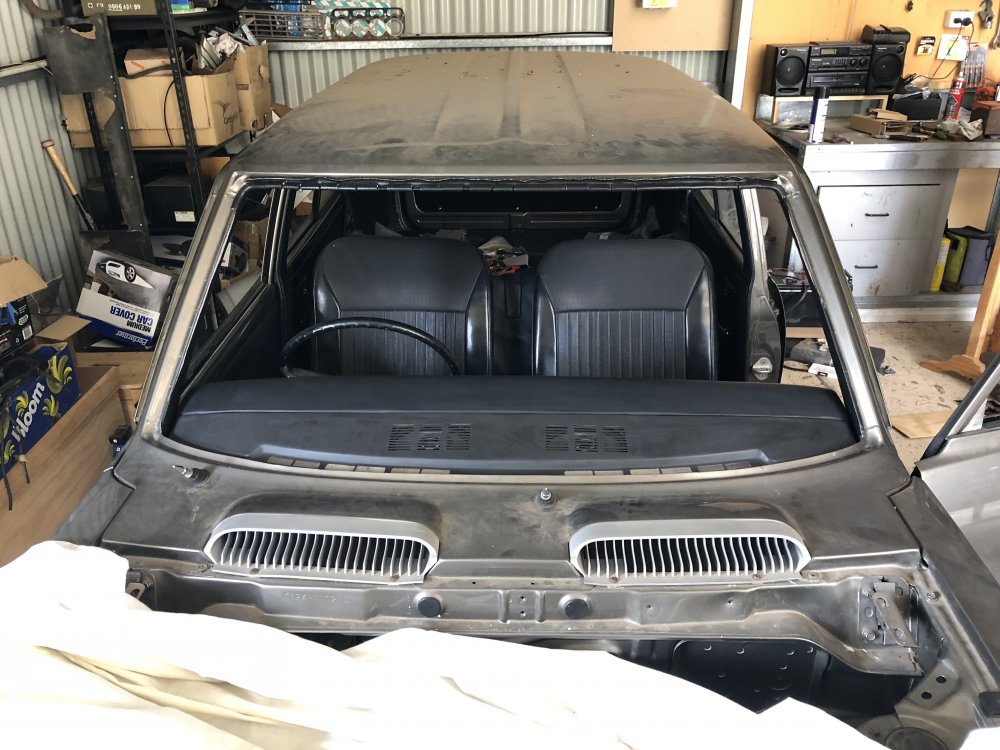
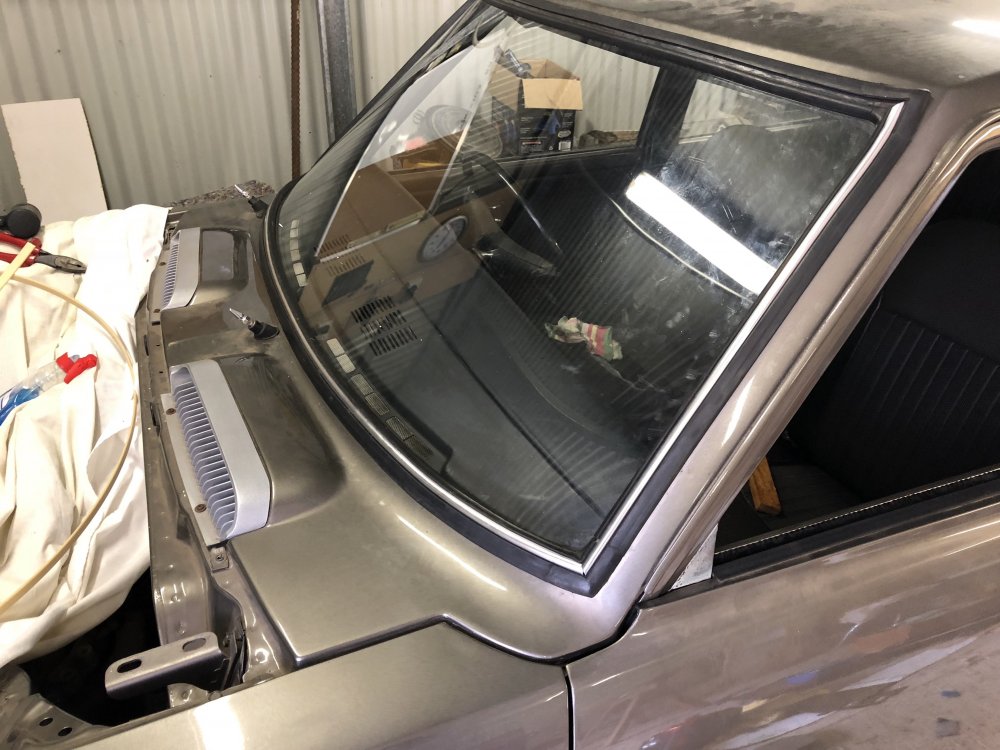
-
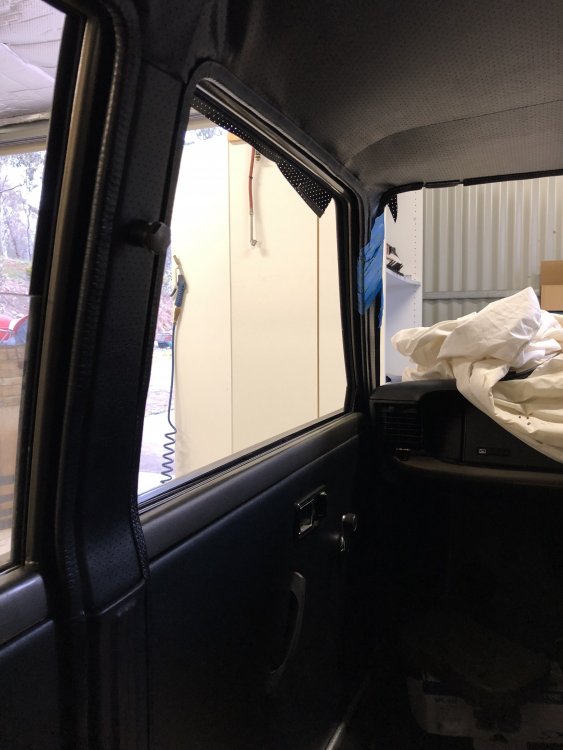
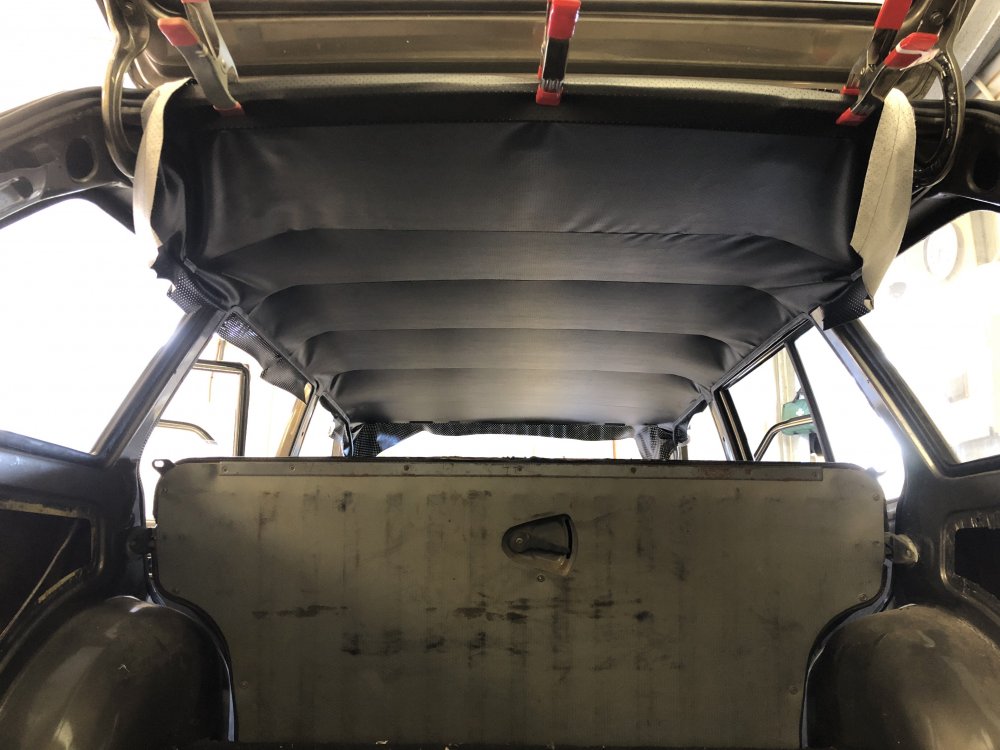
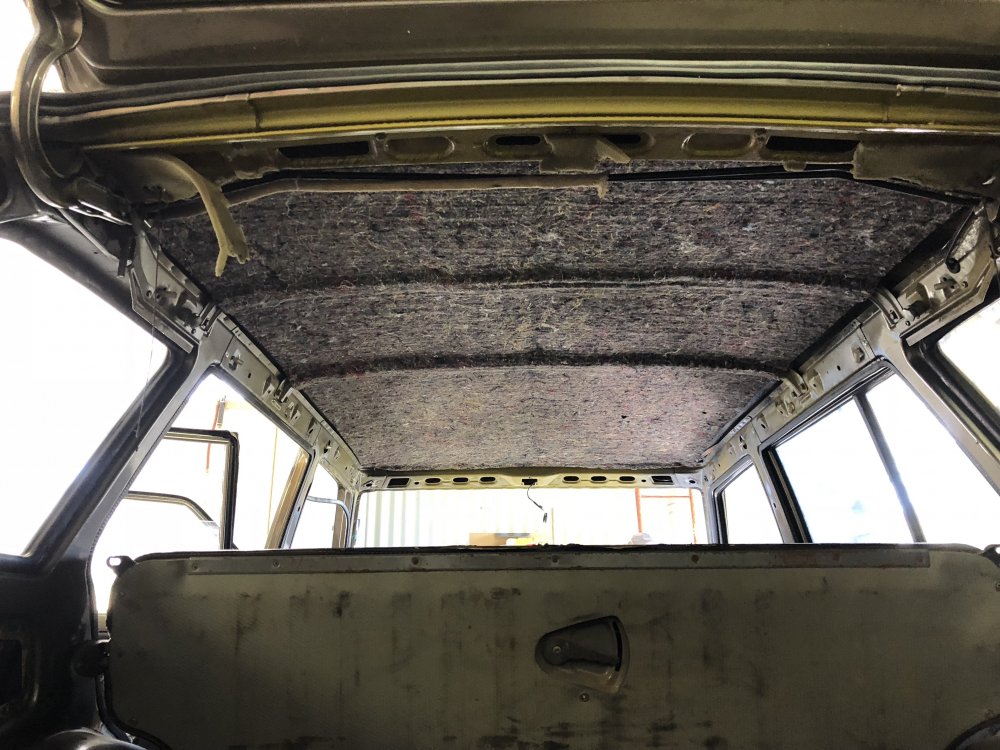
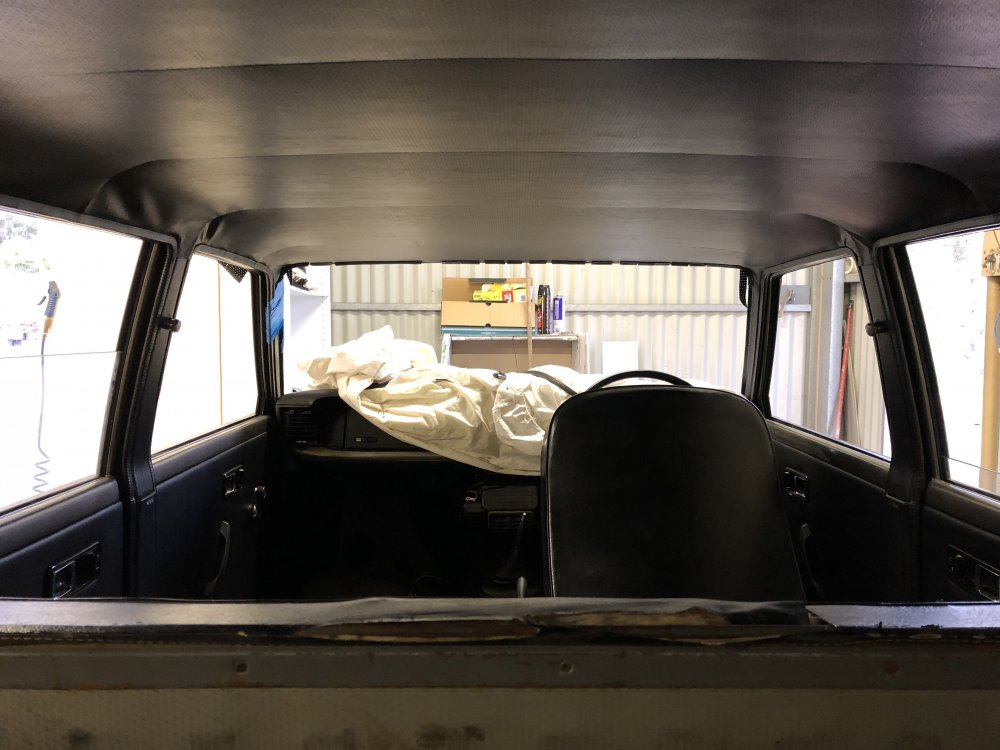
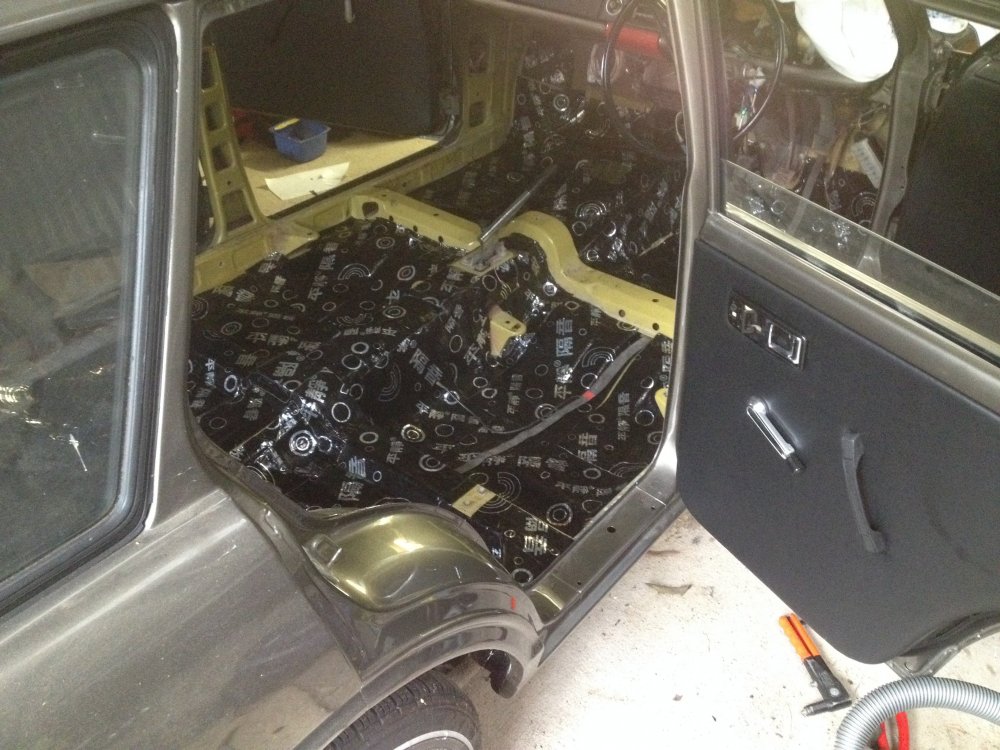
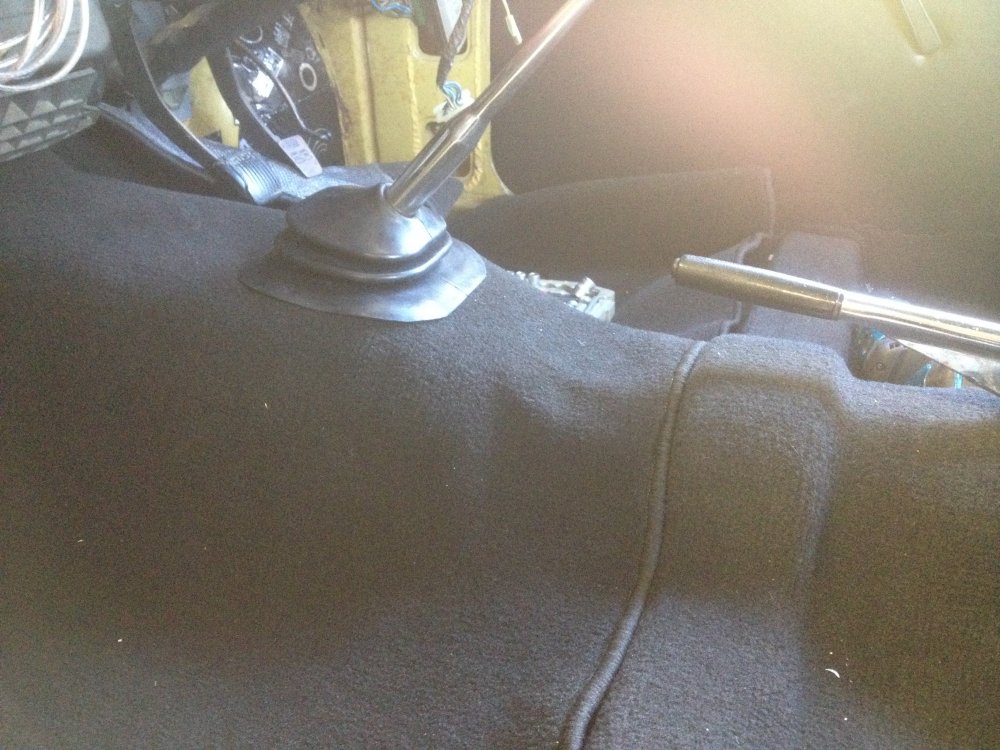
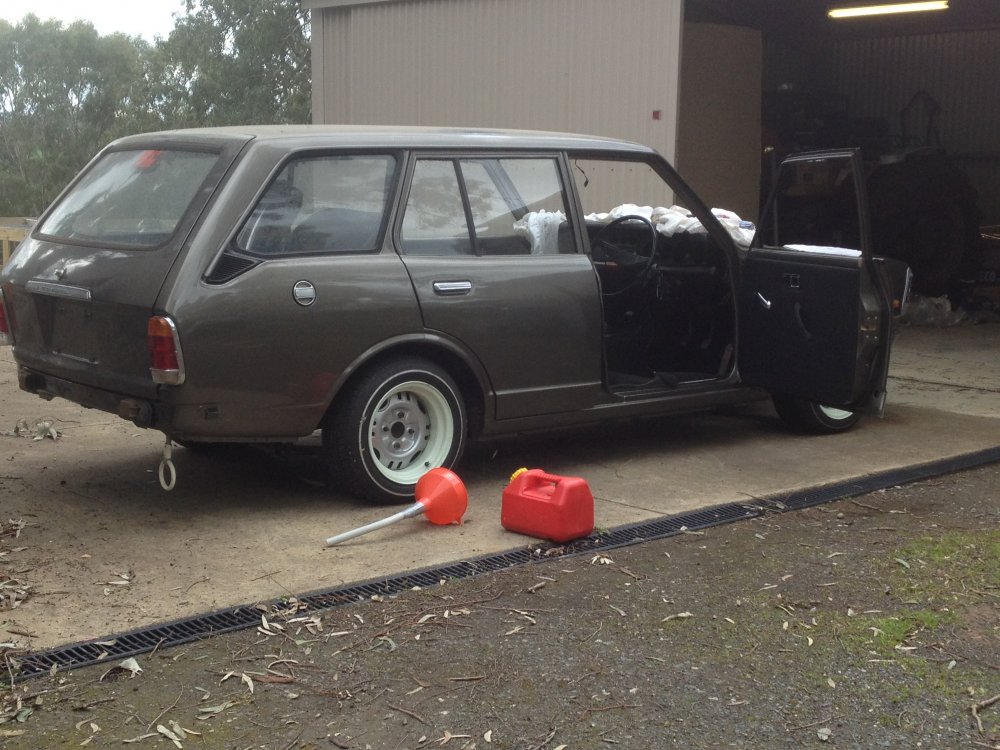
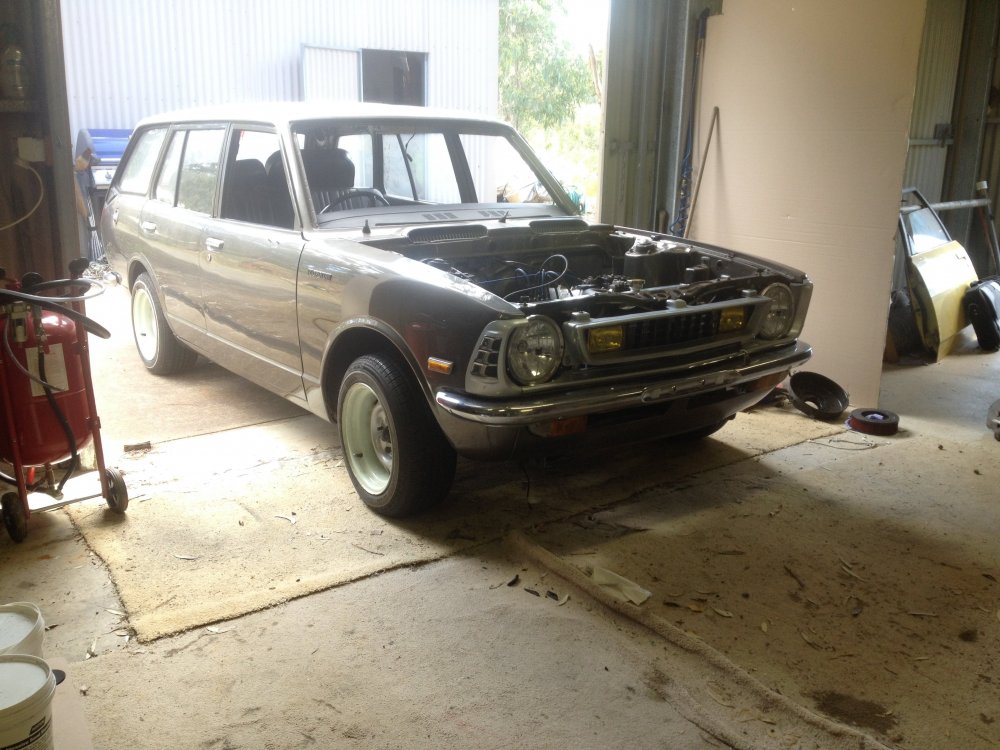
Still not done, few pictures though. eBay headliner.
-
thanks mate
-
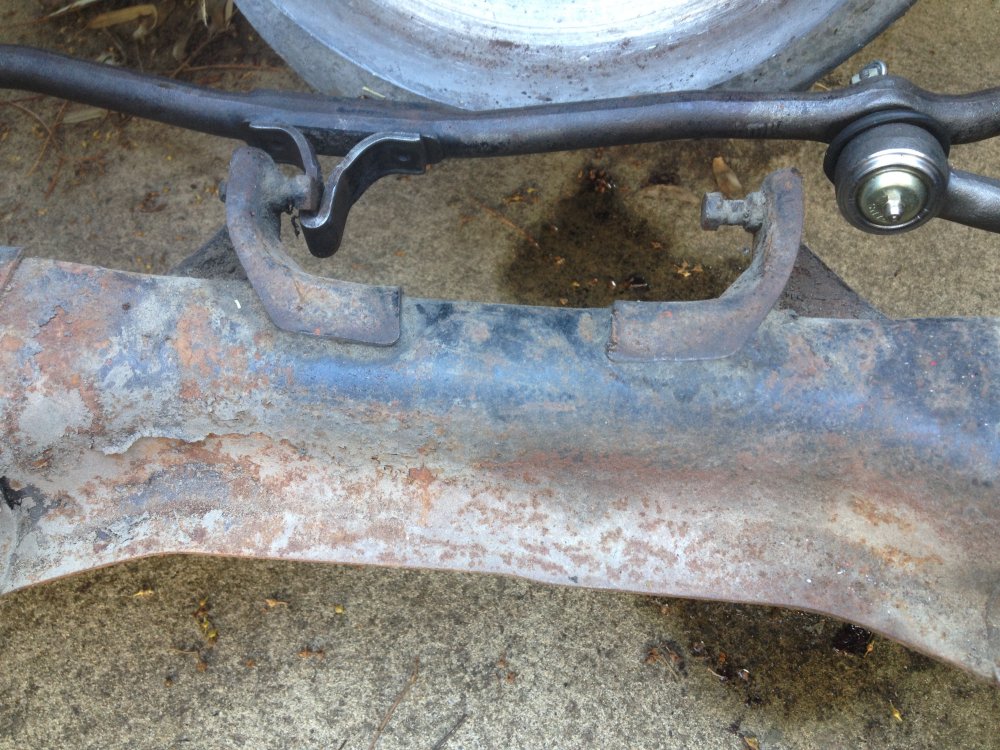
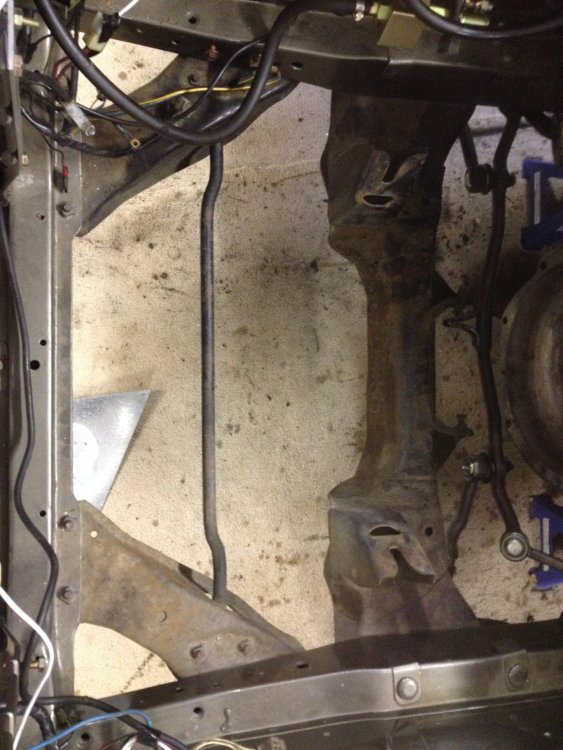
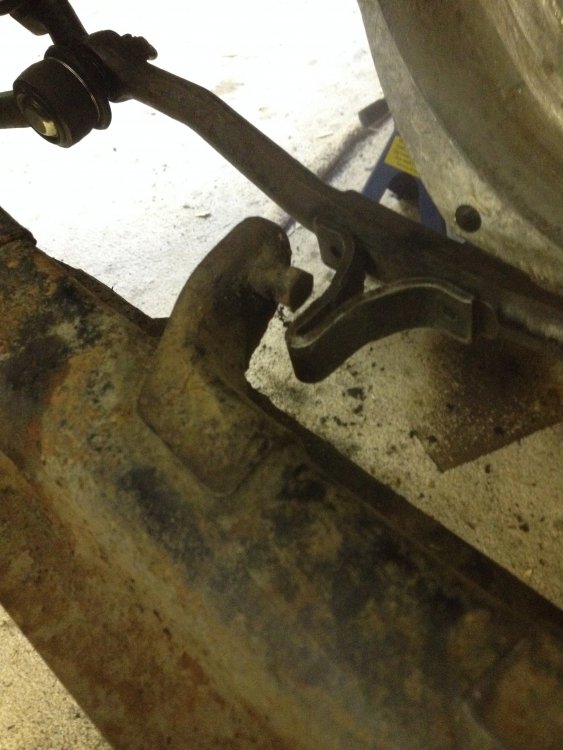
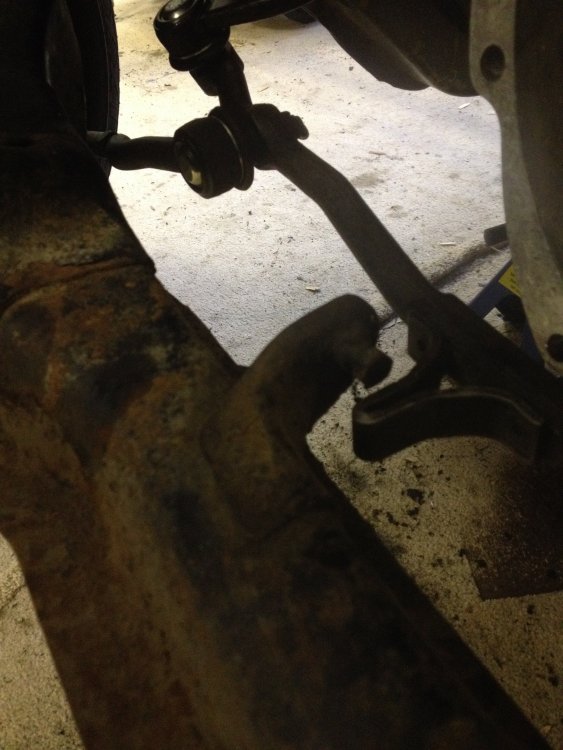
Hey guys I'm having a problem with my steering rack its on a ke26, the stops seem to be too high to lock or the rack is too low to lock, either way its not hitting the stops on both sides, nothing seem to be bent or broken. If any one could shed some light on this it would be greatly appreciated. Thanks.
-
Damn mate your wagon is looking great!
-
In SA, Adelaide Hills area.
-
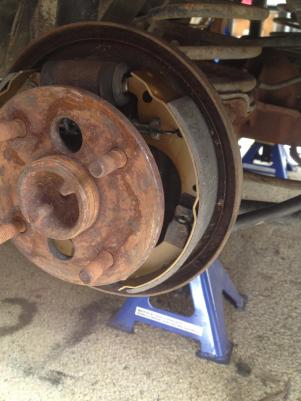
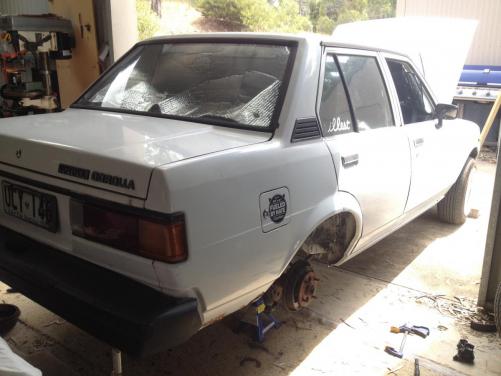
Few more Pics.... Badly need a new diff...as soon as you hit 30kmh towards it just screamed... New break shoes.