Trev
Donor
-
Joined
-
Last visited
-
Hey Dave, I never exactly left, I just didn’t sign in all the time 😊
-
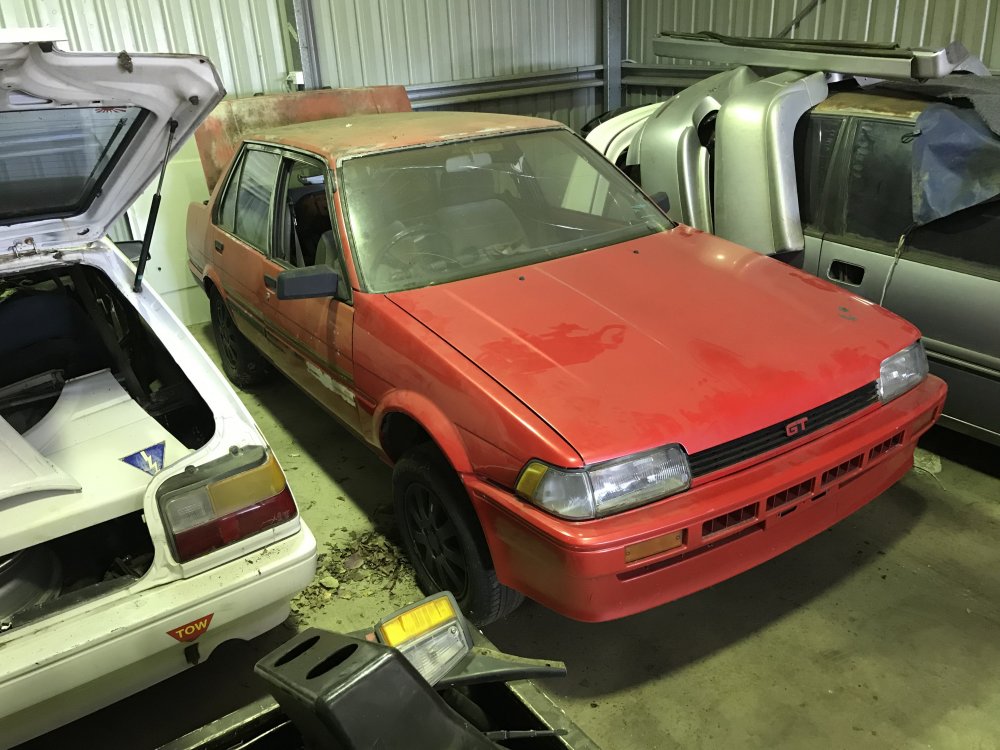
Been a while since I really did anything on this, have accumulated a lot of parts that I wanted for it but in that time the paint has turned to s#*t. Well here’s today’s efforts:
-
-
I actually though the dog was Caine when I seen it on the last page but remembered it was a blue heeled, I do remember the bigger and the old ae93 sx Bathurst ad.
-
No wonder it looks more flat :)
-
Looking good. I can't believe how much different the back yard looks.
-
A mate is currently working on the same conversion with his but is going from a t-18 to a ke70 so we have to look at doing mounts to fit, were yours fully custom or just a mix and match?
-
Looking forward to updates again.
-
Purdy
-
This thing looks sweet.
-
Good to see it's still around. This thing looks so cool.
-
Only just came across this and had a quick flick through, looks interesting so I will save a good read for later.
-
Looks hawt
-
Sweet weapon
-
Straight!!!